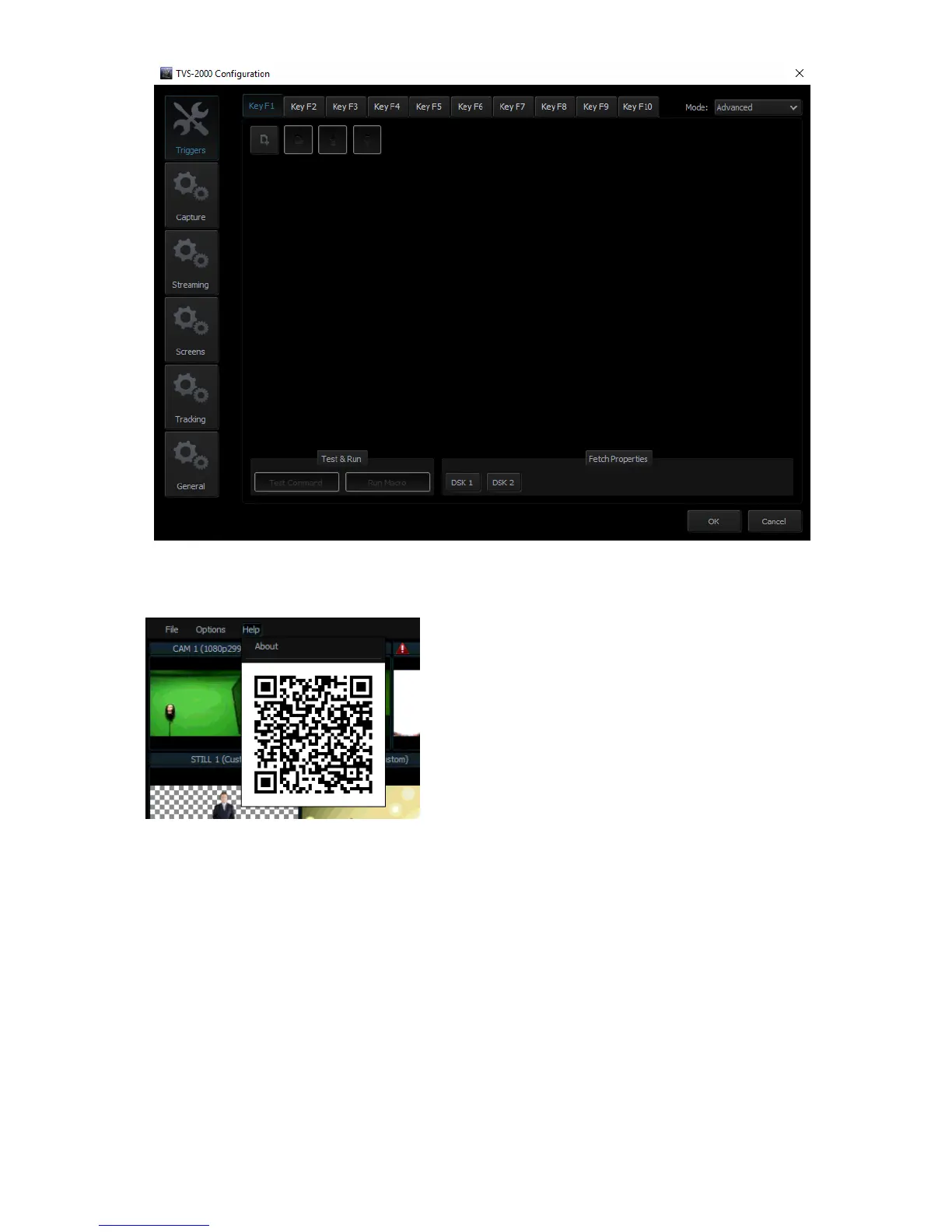
Help
• About: Clicking About displays information such
as EULA, Version number, and Serial Number
• QR Code: Scan the QR code to download the TVS-
2000A User Manual
4.2 Multi-View Area
In the multi-view area, the user is able to view the camera source and other multiple
multimedia file sources on the left-hand side of the area. There are two screens on the right-
hand side: PREVIEW and PROGRAMME.
• PREVIEW – presentation of the next element prepared for broadcast
• PROGRAMME – presentation of the current programme broadcast (system output)



 To Next Page