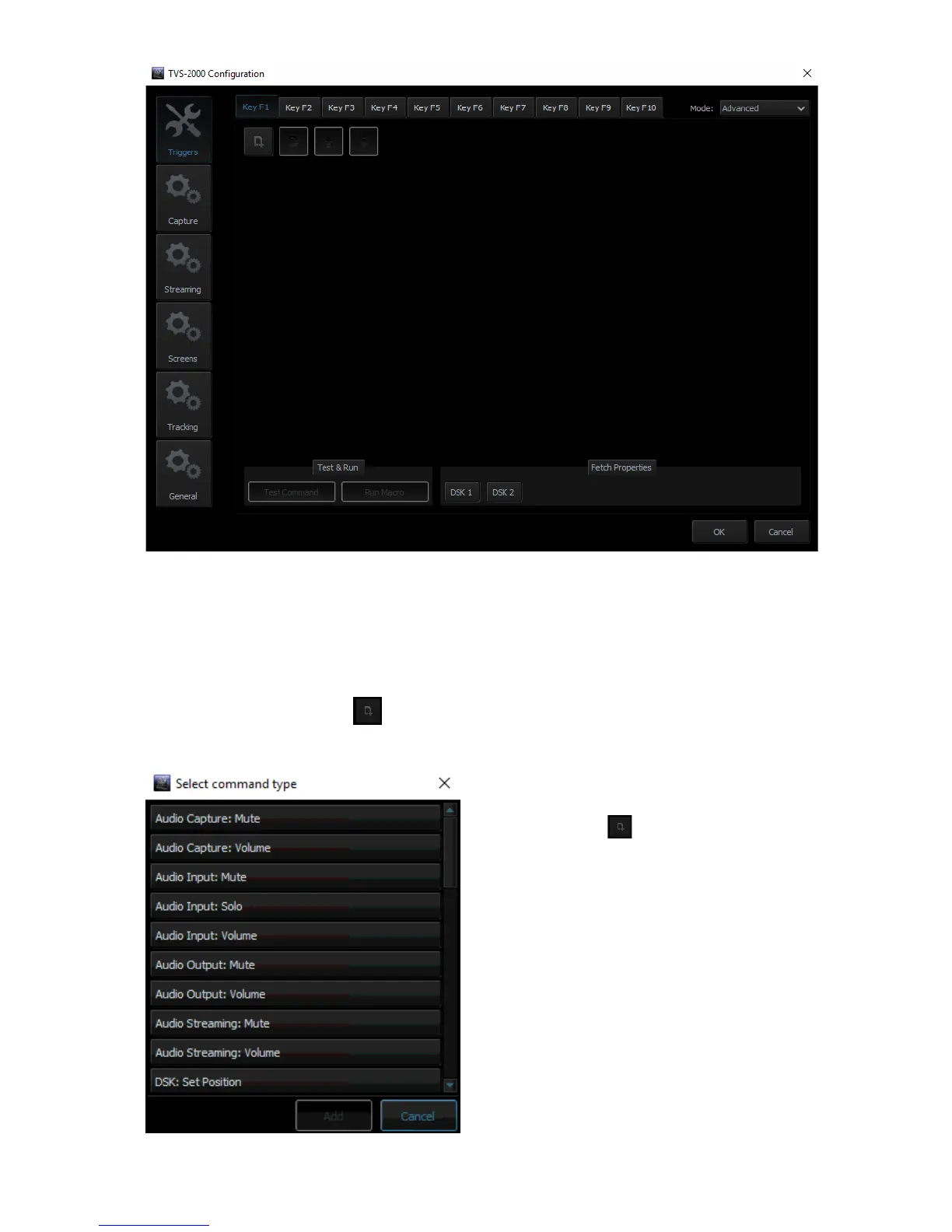
In general, two modes are available and they are “Simple” and “Advanced.”
Advanced
In Advanced mode, the user is allowed to select all available functions in the above table.
Furthermore, the execution sequence of the selected functions is customizable.
Select “Advanced” and click to open a command selection window shown below.
Select a function, for example, “Audio Capture:
Mute” and then set the corresponding
parameters. Click again to select the next
function until all desired functions are selected.
After all the desired functions are selected, click
the next key tab and repeat the above until all
keys are assigned the functions that you desire.



 To Next Page