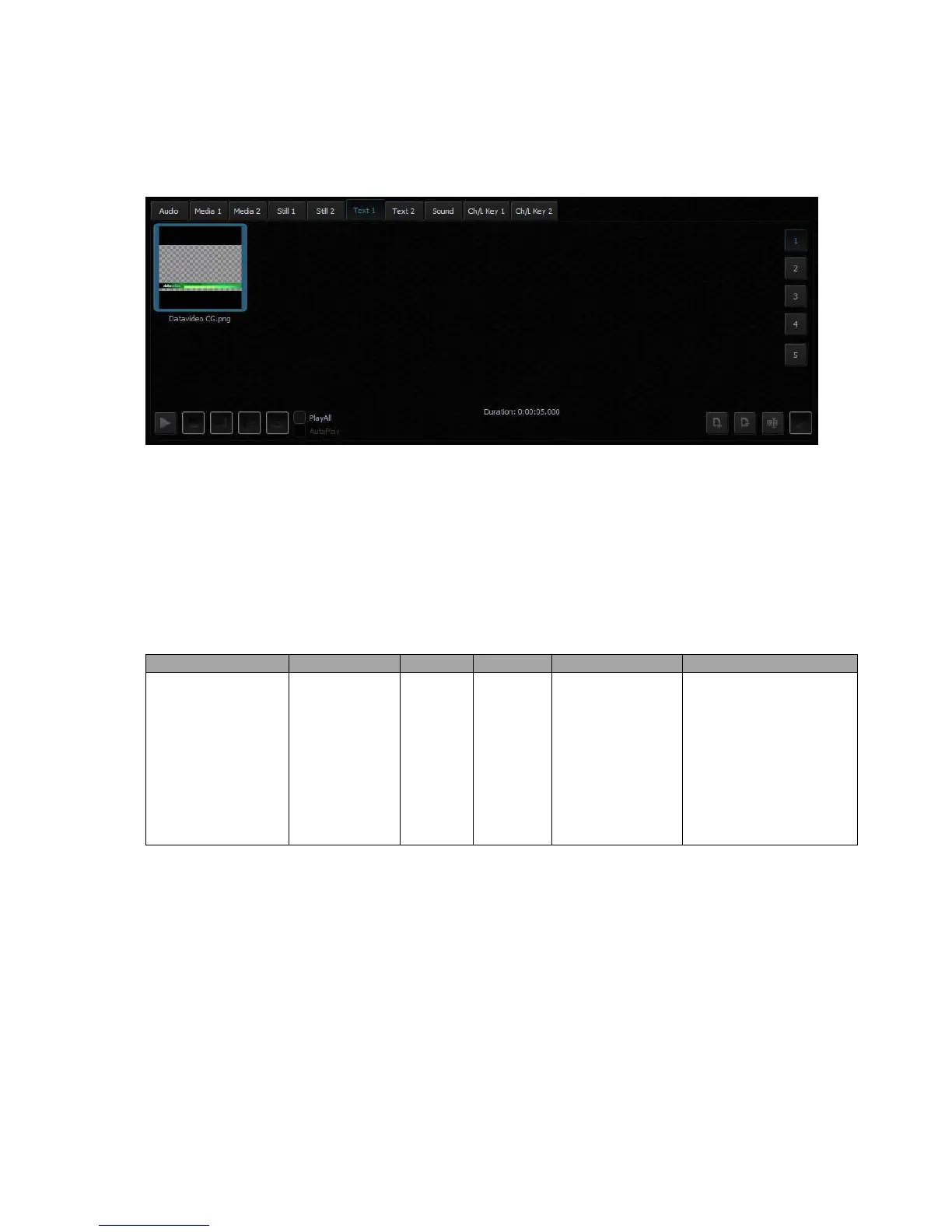
- JPG
- PNG (with transparency)
- BMP
- TVS-2000A STILL (System’s STILL TEXT edit module)
4.6 Triggers – RMC-280 Function Keys
The user is allowed to control the TVS-2000A with external keyboards such as the RMC-280
Remote Controller.
There are 10 user-defined function keys, F1 to F10, on RMC-280 Remote Controller. These
function keys are configurable on the TVS-2000A system. Each of these function keys can be
assigned of multiple functions selected from the table below:
Studio: Select Camera
Studio: Set Bus A Source
Studio: Set Bus B Source
Studio: Set Bus C Source
The user just needs to press the function key once to execute the selected functions according
to the sequence in which the functions are selected.
To assign specific multiple functions to these 10 function keys, open the TVS-2000A
configuration window and click the “Triggers” button. Function key tabs can be found at the
top of the configuration window. Click the Function Key tab that you would like to customize
and in the example below, Key F1 is selected.



 To Next Page