Chapter 2 TVS-2000A Tracking Virtual Studio Setup
2.1 System Requirement
Monitor x 1 (up to three monitors can be connected to choices of the HDMI x 2, DVI-D x
1, DisplayPort x 2)
Keyboard
2 x SDI cameras for trackless use or Datavideo PTC-150 cameras for tracking use
2.2 Connections
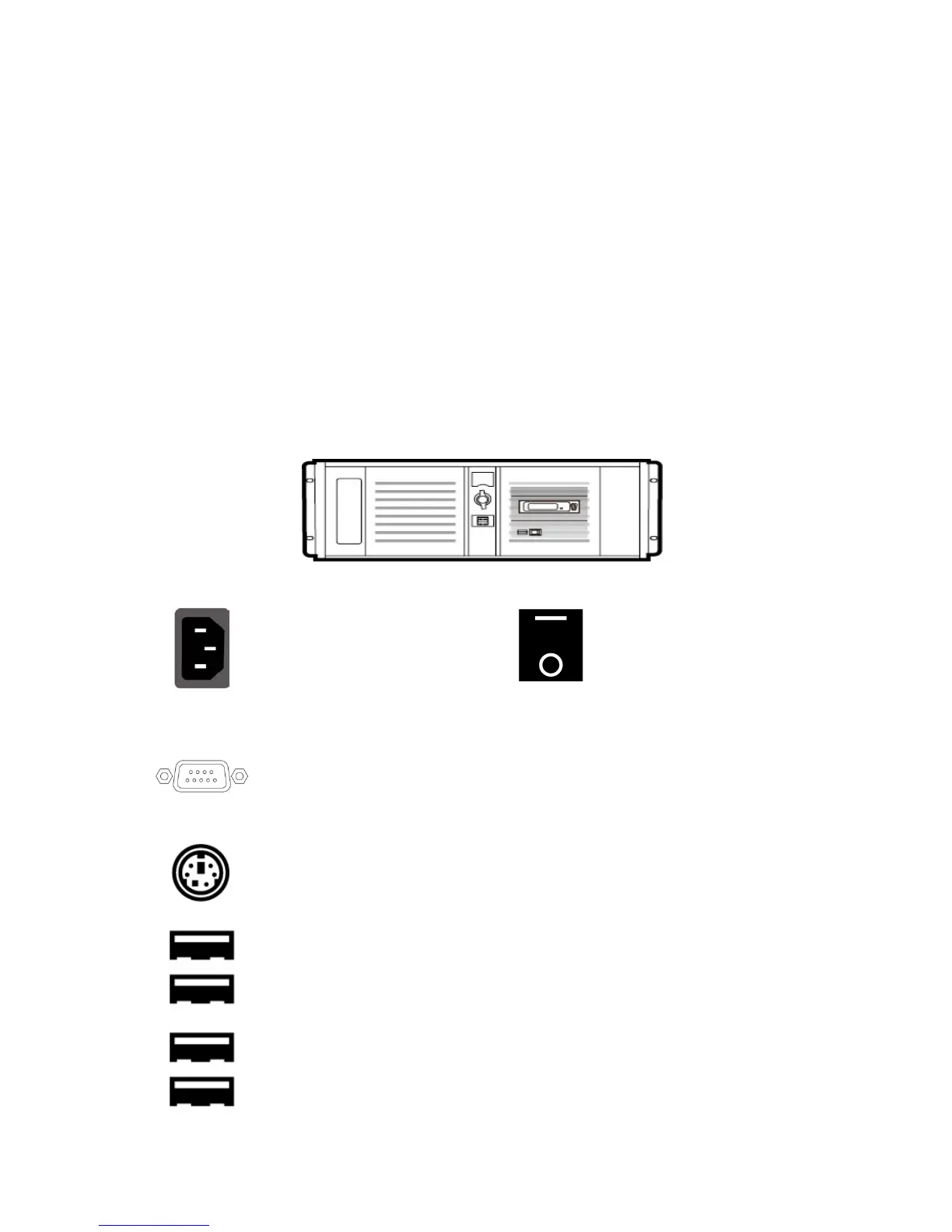
Front Panel
Access to the front panel is protected with a keyed door. This provides protection against the
system being accidentally switched off or reset or the data disk being removed.
It is recommended to position the workstation horizontally so as to ensure air flows reaching
the front and the back panels. Fans providing appropriate system cooling are located behind
the panels. The workstation case is designed to be mounted on a server rack and occupies a
4U space.
Back Panel
Power Supply Socket
Depending on the shipment
destination and the user
location, a power supply cord
with a suitable plug will be
Switches power On/Off
0 – OFF 1 – ON
The rear panel contains the RS-232 connection for operation with an external
Datavideo RMC-280 control panel.
PS/2 Keyboard / Mouse Combo Port
Connection of an external standard USB keyboard and mouse
Connection of USB Wireless Dongle / Adapter IF ANY
Please note that if you do not find the USB wireless dongle in the box, the
TVS-2000A System Unit that you receive may already have a built-in
wireless network card.



 To Next Page