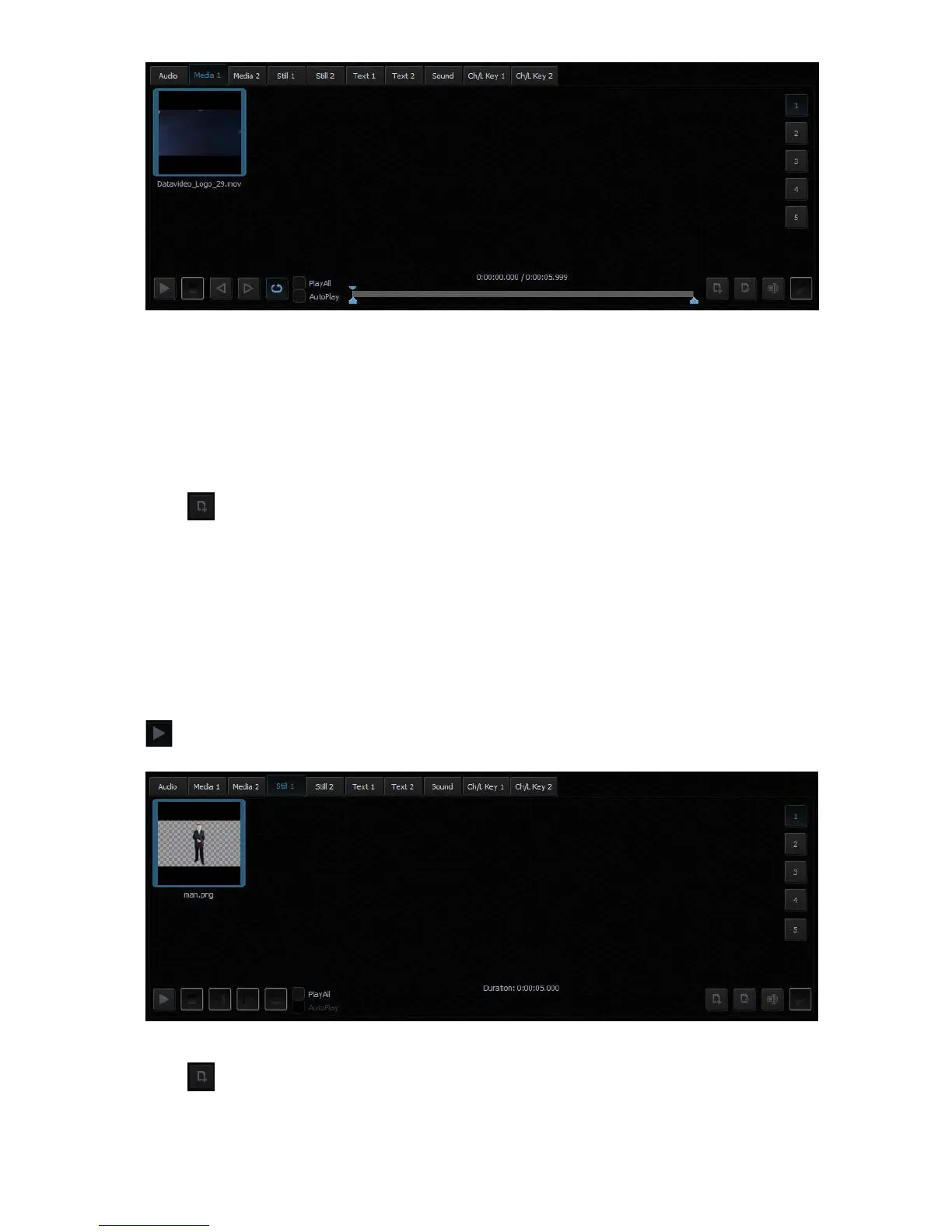
The formats and codecs supported for video files (for media added to the MEDIA1 and
MEDIA2 tabs) are:
- MPEG4 and H.264
- MPEG-2 Smart Render Wrapper
- DVCPRO 25/50/HD
S t i l l 1/2 – As depicted in the diagram below, this is where the still picture files can be displayed.
Click to browse the local hard disk for picture files. Again, the user can classify the
selected picture files into five categories. Navigate through the categories by clicking on
buttons 1 to 5 located on the right of the file display area.
The formats supported for bitmap files (for media added to the STILL1 and STILL2 tabs):
- JPG
- PNG (with transparency)
- BMP
To perform slideshow of still pictures, enable the “PlayAll” function and then click the Play
button.
Tex t 1/2 – As depicted in the diagram below, this is where the still text files can be displayed.
Click to browse the local hard disk for still text files. Again, the user can classify the
selected still text files into five categories. Navigate through the categories by clicking on
buttons 1 to 5 located on the right of the file display area.
The formats supported for bitmap files (for media added to the TEXT1 and TEXT2 tabs) are:



 To Next Page