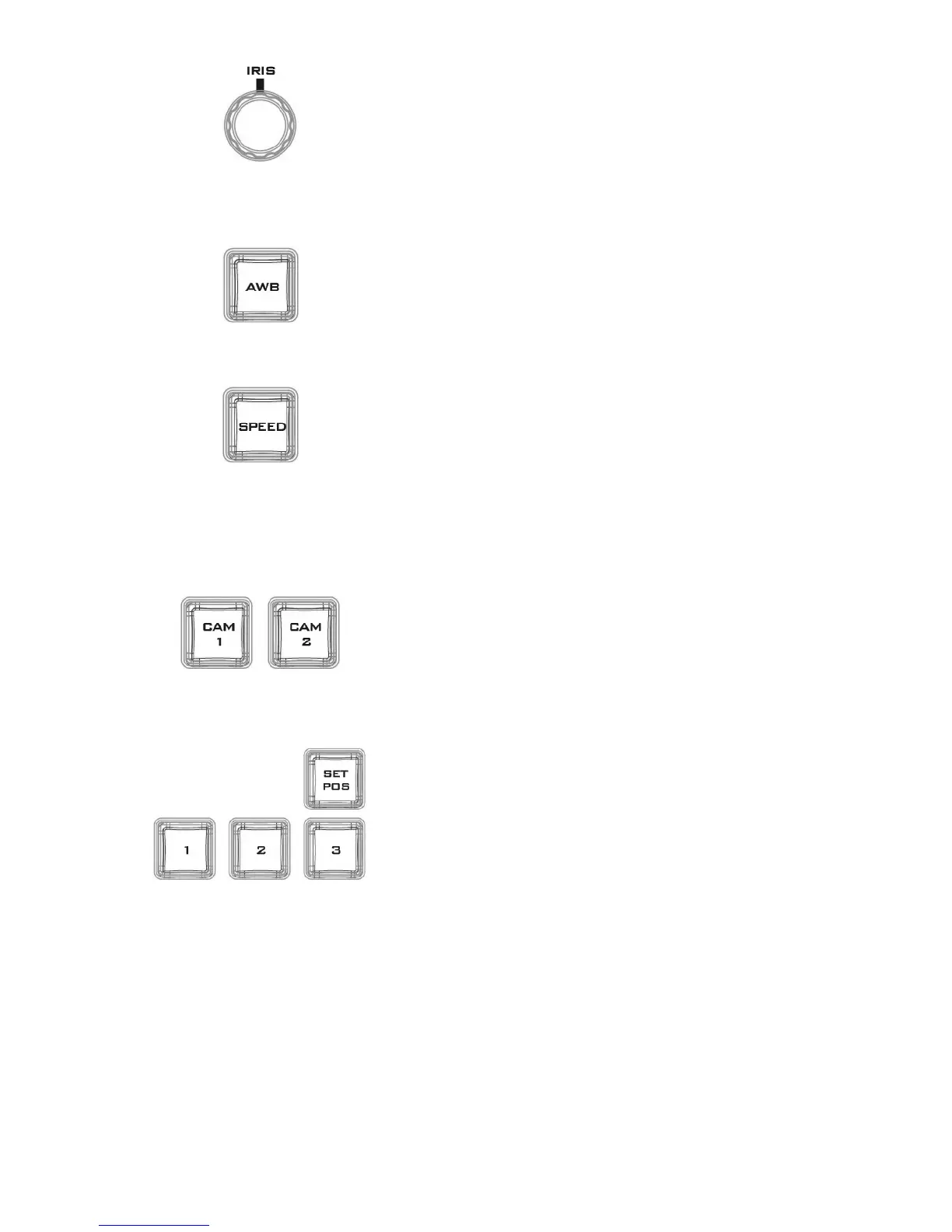
Rotate the IRIS knob clockwise and counter-clockwise to
adjust the camera iris.
Note: While in the camera menu, pressing the Knob
selects or confirms a selection.
Pressing the AWB will automatically white balance the
camera.
Press the SPEED button to set camera lens movement
speed.
• Low Speed: Press once to turn the button white.
• Medium Speed: Press twice to turn the button pink.
• High Speed: Press three times to turn the button red.
Press CAM 1 button to select camera 1 and CAM 2 to select
camera 2. Only one camera can be selected at a time.
• Press the SET POS button to enable “SAVE POSITION”
function.
• Pressing button “1” saves current position into Lens
position 1.
• Pressing button “2” saves current position into Lens
position 2.
• Pressing button “3” saves current position into Lens
position 3.
Note: To recall a stored position, simply press button 1, 2
or 3.



 To Next Page