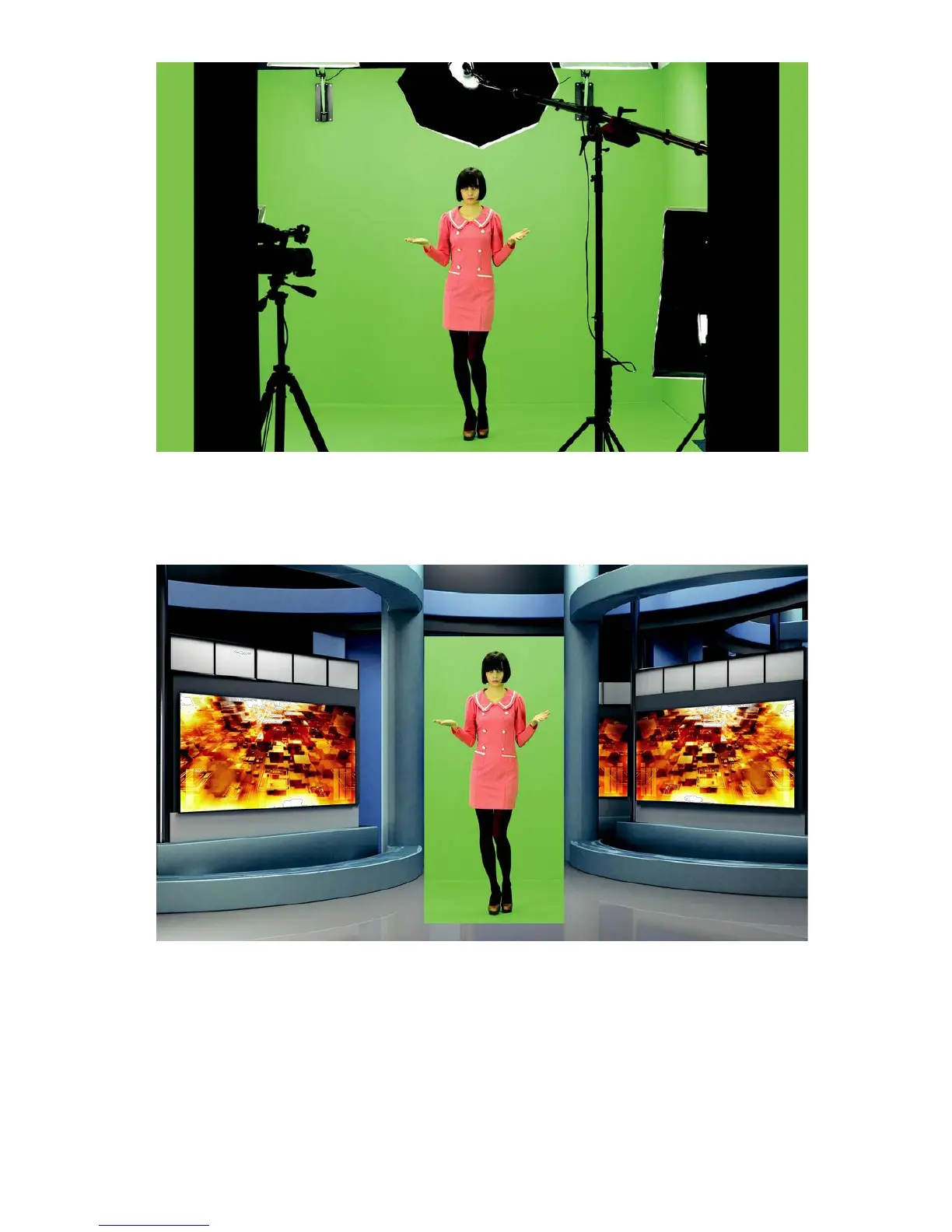
A view from the camera area
By cutting the remaining elements by means of the sliders Left, Right, Top, Bottom, it is
possible to place the object within the area of the keyed background.
A view after a Garbage mask correction with the keying algorithm switched off
After enabling the chroma keying function, the following effect is obtained.



 To Next Page