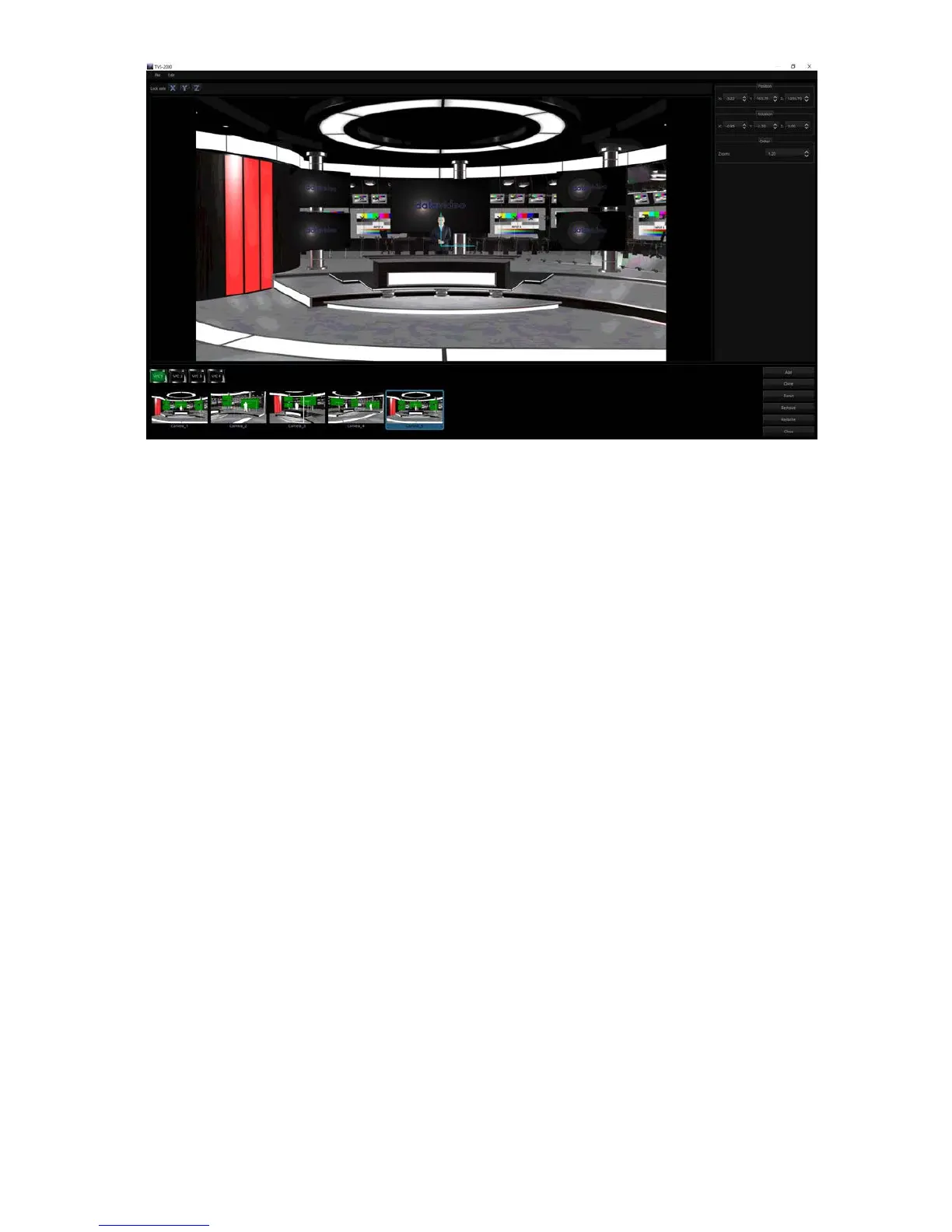
The pane on the right of the camera setup window allows the user to adjust position,
orientation and zoom settings of the scene. The respective parameters are described as
follows.
Position
• X: Adjustment of the x-axis moves the scene horizontally.
• Y: Adjustment of the y-axis moves the scene vertically.
• Z: Adjustment of the z-axis moves the scene back and forth.
Rotation
• X: Rotation of the scene along the x-axis.
• Y: Rotation of the scene along the y-axis.
• Z: Rotates the scene sideways.
ZOOM
• Increase the value to ZOOM IN and decrease to ZOOM OUT.
At the bottom pane of the camera setup window, the user is allowed to select up to 15 camera
takes for each V/C. The function of each button is described as follows.
• Add: Adds new camera
• Clone: Clones selected camera
• Reset: Resets selected camera settings
• Remove: Removes selected camera
• Rename: Renames selected camera
• Close: Close camera setup window



 To Next Page