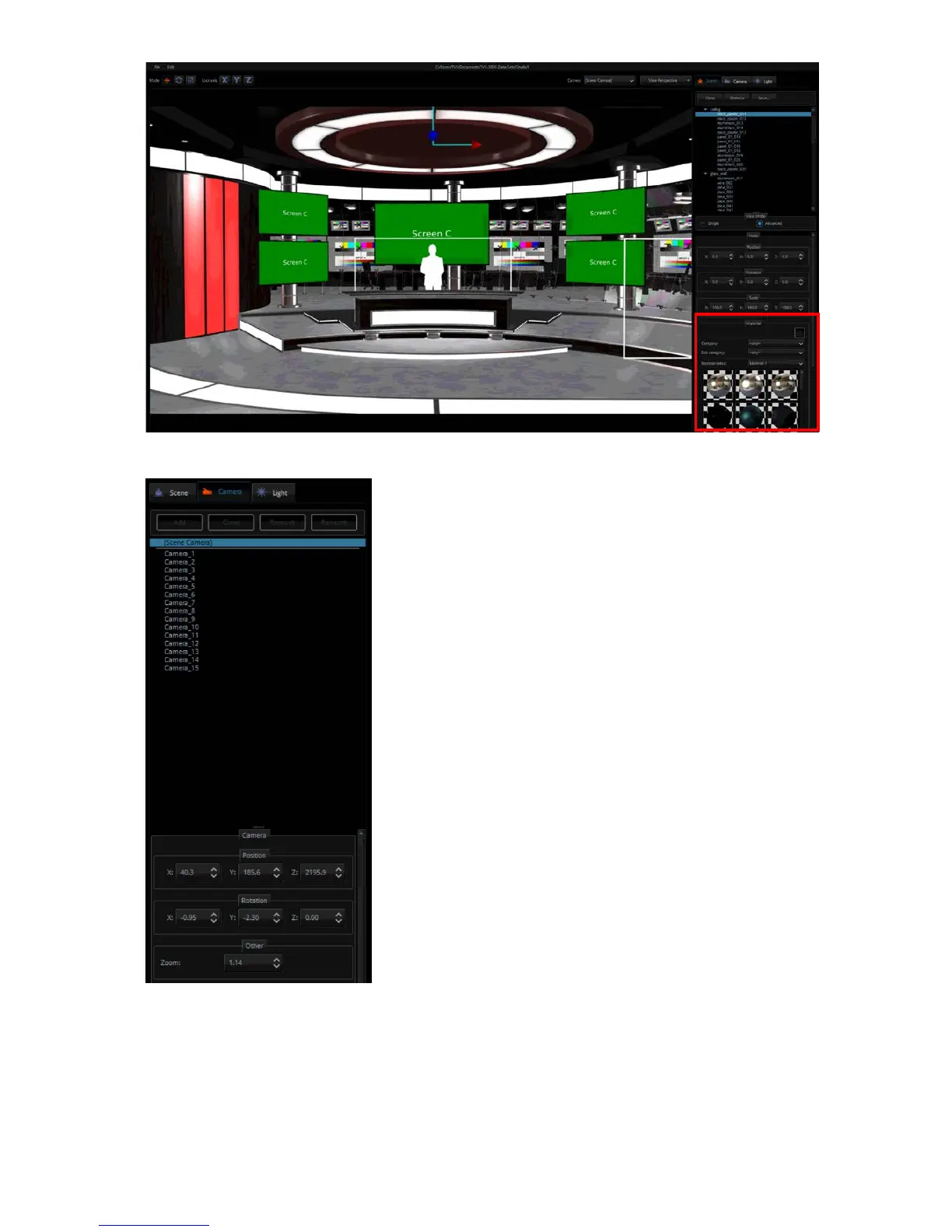
Camera
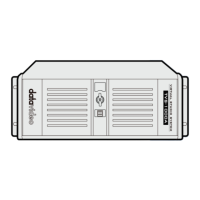
The user is allowed to configure up to 15 virtual cameras.
The Camera tab allows you to change the camera position to
meet the requirements of your video production. The
camera can be individually configured in terms of its position,
orientation and size.
After the settings are stored, the scene must be re-imported to apply the new virtual camera
positions to the scene. Simply go back to the video production interface and on the V/C pane,
click the LOAD button to re-import the scene.


 To Next Page