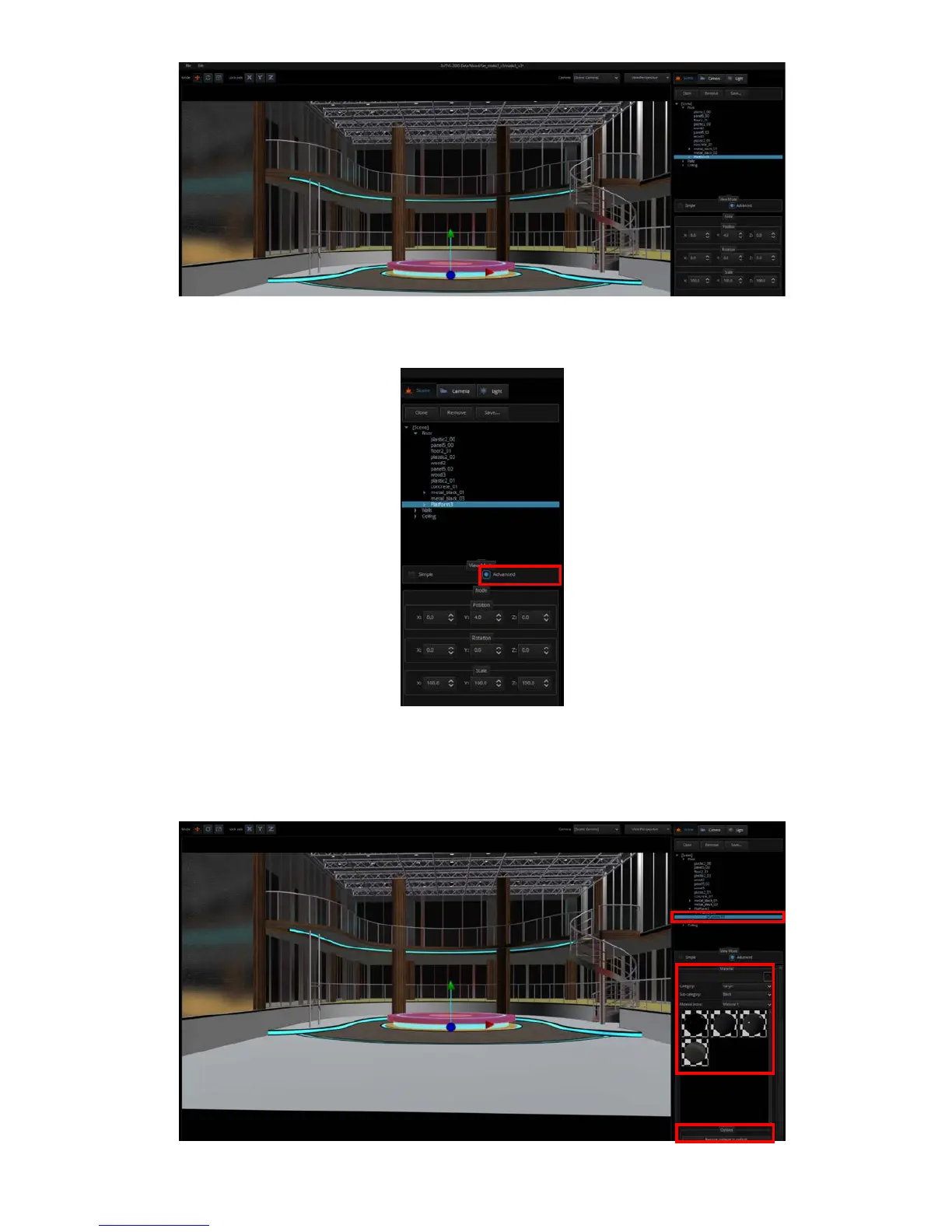
If the name of the added object does not appear, please enable the “Advanced” view mode to
view the object information.
Clicking “V” allows the user to view objects in the category. By clicking the sub-category, the
user will be allowed to change the object’s material property by selecting the material ball
right below. If the selected material ball is not the right effect, simply click the “Restore
material to default” button at the bottom to reset the material to default.



 To Next Page