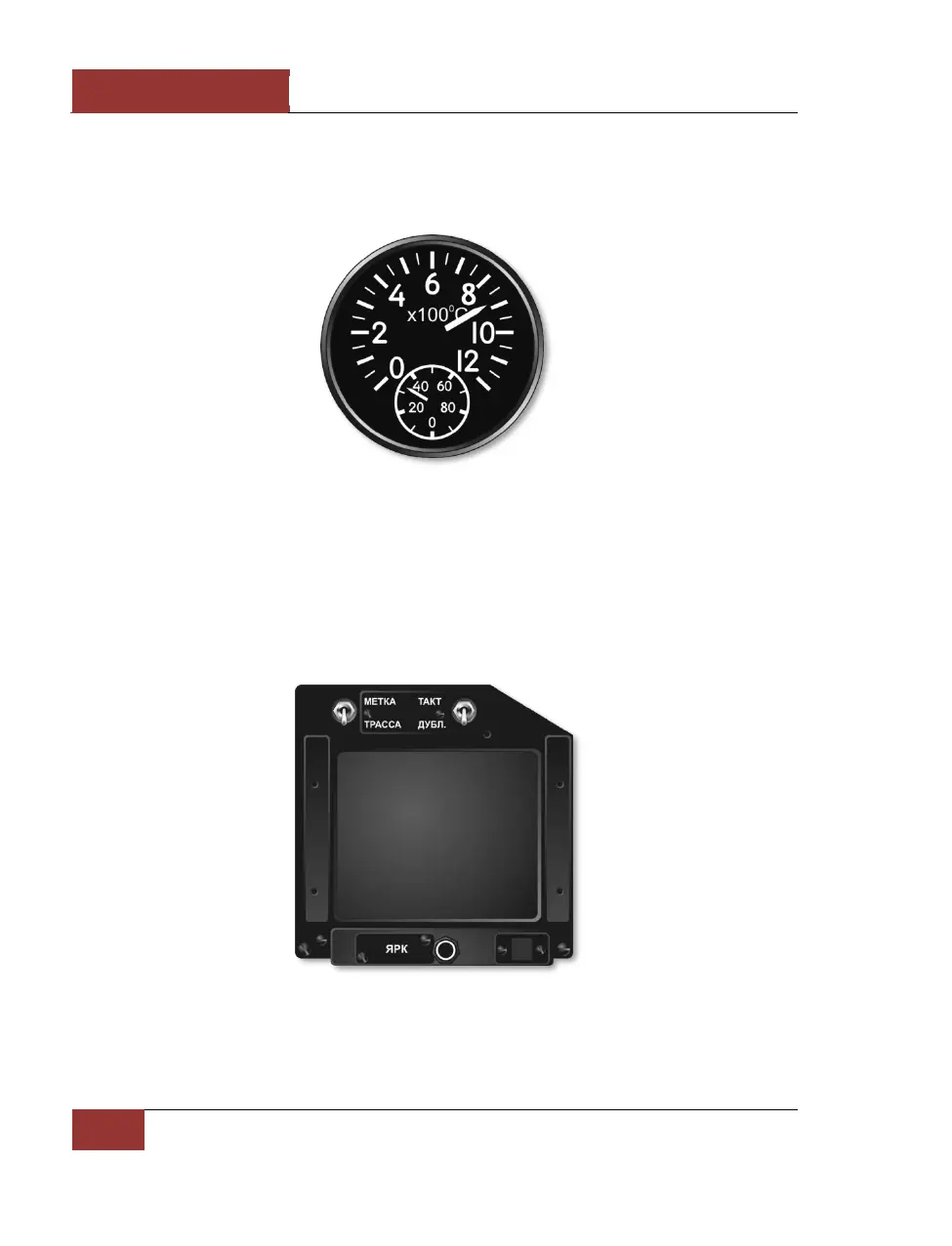
Interstage Turbine Temperature Indicators
The two Interstage turbine temperature indicators show the temperature of the exhaust gas from the
left and right engine turbines.
Figure 36: Interstage turbine temperature indicators
Head Down Display (HDD)
The Head Down Display (HDD) is positioned in the right upper corner of the instrument panel. It
shows information about the preplanned route, waypoints and runway locations. In combat modes,
the radar and electro-optical system information is shown.
The scale of the HDD can be changed by the pilot.
Figure 37: HDD



 To Next Page