6. In the lower left corner, the current flight mode is shown.
7. The Required Altitude value will vary depending on the selected flight mode. In ROUTE
mode, it will indicate the assigned altitude for the currently selected route leg.
8. To the right of the heading scale, the current altitude is indicated. For altitude less than
1,500 meters above ground level, the radio altitude is indicated to within 1 m. At an
altitude over 1,500 meters barometric, the height is shown to within 10 meters. Above the
scale the required altitude is shown. This will depend on the flight mode and in the case of
route flight mode, it shows the preplanned route altitude.
9. The current heading is positioned in the upper portion of the HUD. It shows the aircraft’s
current heading. (example: 11 corresponds to the value of 110 degrees).
10. The pitch ladder, situated in the right of the HUD, displays current pitch angle.
11. The artificial horizon line indicates a virtual horizon that corresponds to 0 degrees of pitch
and is intended to assist the pilot when flying in poor visibility conditions.
12. In the lower center part of the HUD, the distance to the selected waypoint is indicated in
Km.
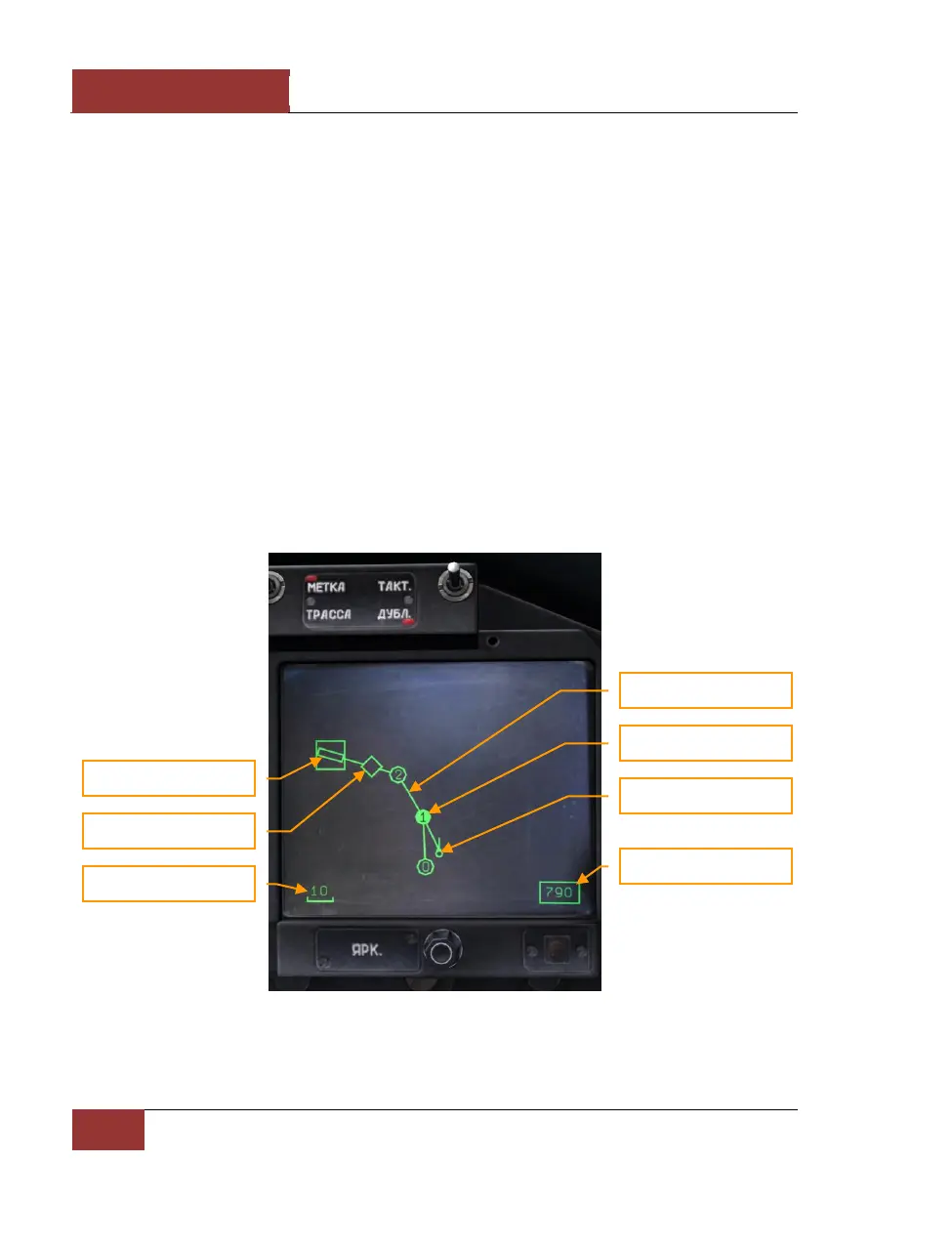
When in navigation modes, information on the route (route direction, waypoints, and airfields) is
indicated on the HDD.
Figure 46: HDD in navigation mode



 To Next Page