EasyManua.ls Logo

Dell Alienware 17 - Replacing the Display Panel; Display Panel Replacement Procedure

Dell Alienware 17
153 pages
Print Icon
To Next Page IconTo Next Page
To Previous Page IconTo Previous Page
Loading...
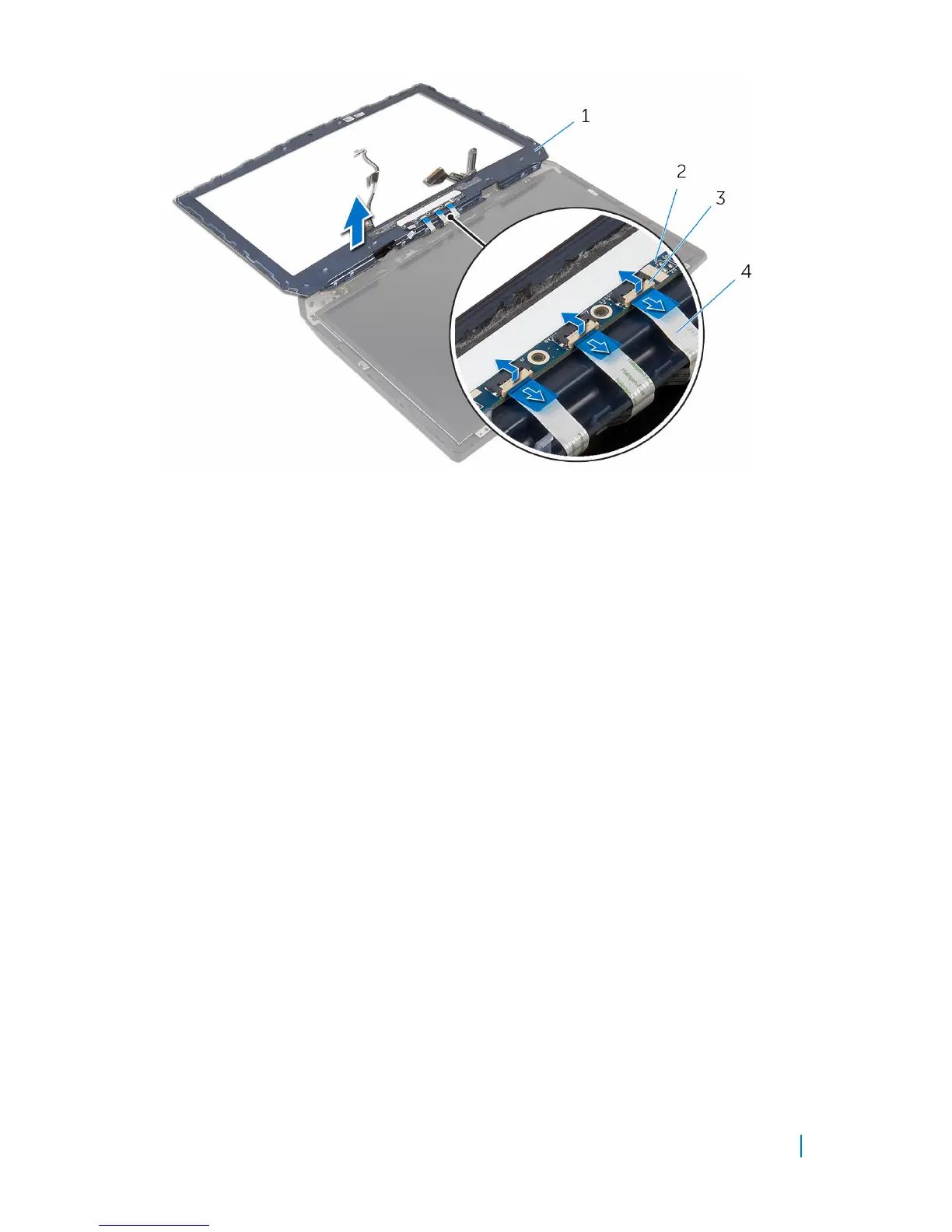
1 display bezel 2 logo board
3 latches (3) 4 display-board cables (3)
5 Peel off the tape that secures the logo-board cable to the logo board and
disconnect the logo-board cable.
6 Peel off the logo board from the display bezel.
Removing the display bezel 107


Table of Contents

Other manuals for Dell Alienware 17

Related product manuals