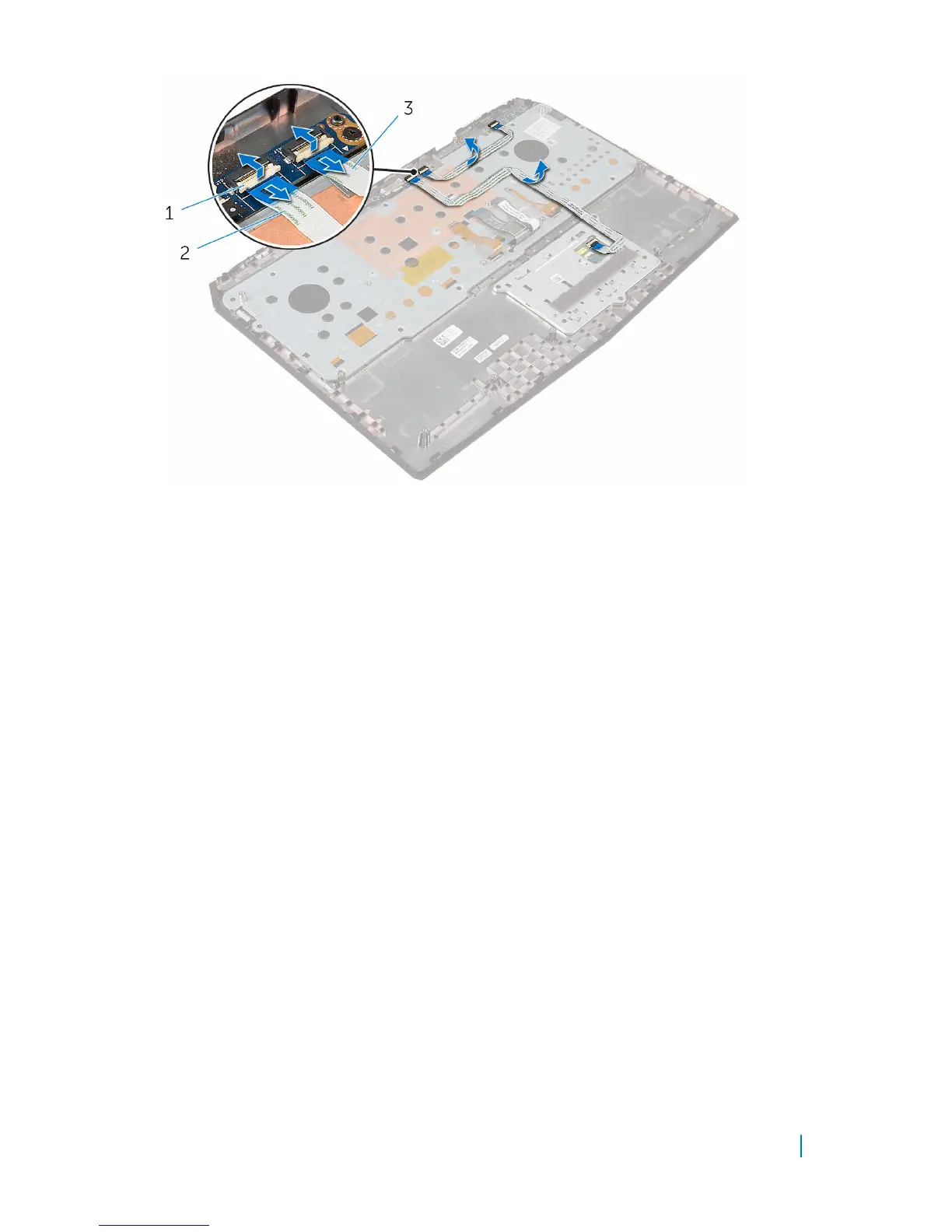
1 latches (2) 2 touch-pad cable
3 status-light cable
3 Remove the screws that secure the keyboard bracket to the palm-rest
assembly.
4 Slide the keyboard cable, keyboard-backlight cable, macro-keys cable and
macro-keys backlight cable through the slot on the keyboard bracket.
5 Lift the keyboard bracket off the palm-rest assembly.
Removing the keyboard 46












 To Next Page