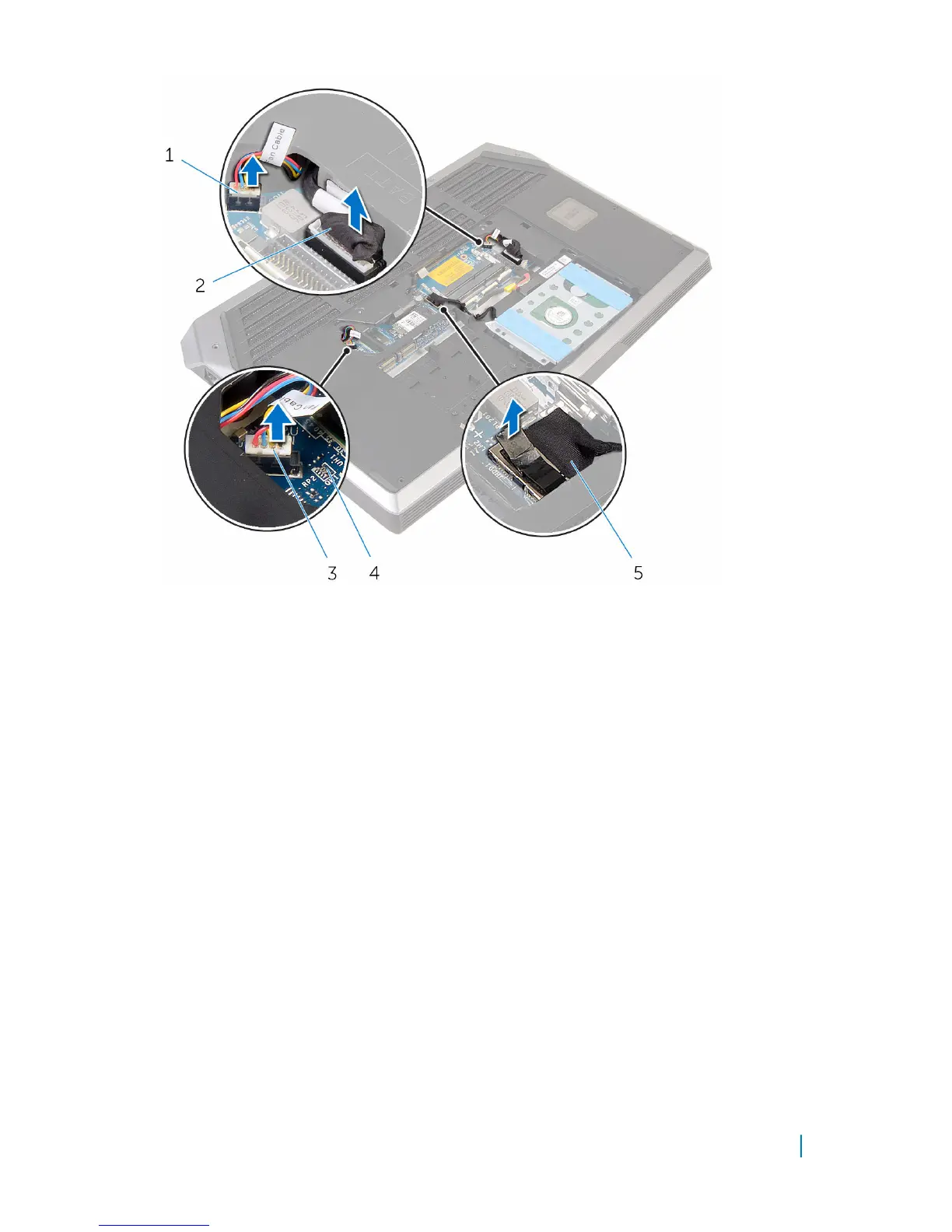
1 processor-fan cable 2 power-adapter port cable
3 video-card fan cable 4 system board
5 hard-drive cable
3 Turn the computer over.
4 Disconnect the speaker and front AlienFX LED cables from the system board.
5 Lift the latch and disconnect the I/O-board cable from the system board.
Removing the system board 80












 To Next Page