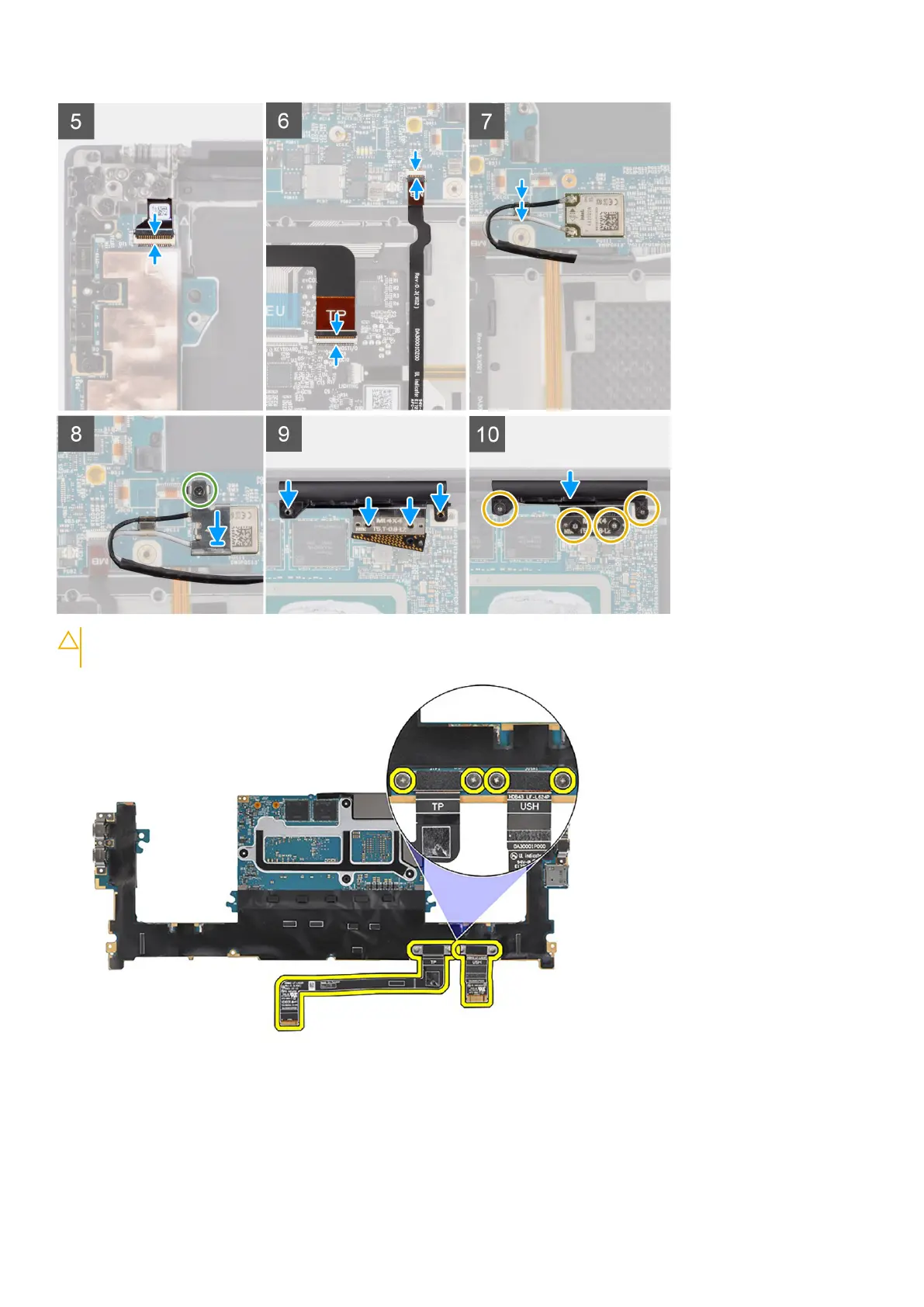
CAUTION: The USH board FPC and touchpad FPC are connected to the bottom side of the system board and
must be transferred to the new replacement system board.
Steps
1. Align the screw holes on the system board with the holes on the palm-rest and keyboard assembly.
2. Replace the three (M2x4) screws to secure the system board to the palm-rest and keyboard assembly.
3. Replace the three (M2x4) screws to secure the right USB Type-C bracket on the system board.
4. Adhere the left and right tweeter speakers to their compartments on the palm-rest and keyboard assembly, and connect the
left and right speaker cables to the system board.
54
Removing and installing components













 To Next Page