11 Follow the procedure in After working inside your computer.
Palmrest assembly
Removing the palm-rest and keyboard assembly
Prerequisites
1 Follow the procedure in Before working inside your computer.
2 Remove the base cover.
3 Remove the battery.
4 Remove the WLAN card.
5 Remove the hard drive.
6 Remove the GPU fan.
7 Remove the CPU fan.
8 Remove the speakers.
9 Remove the display assembly.
10 Remove the I/O board.
11 Remove the power button with ngerprint reader.
12 Remove the power-adapter port.
13 Remove the touchpad.
14 Remove the system board.
NOTE
: The system board can be removed along with the heat sink.
About this task
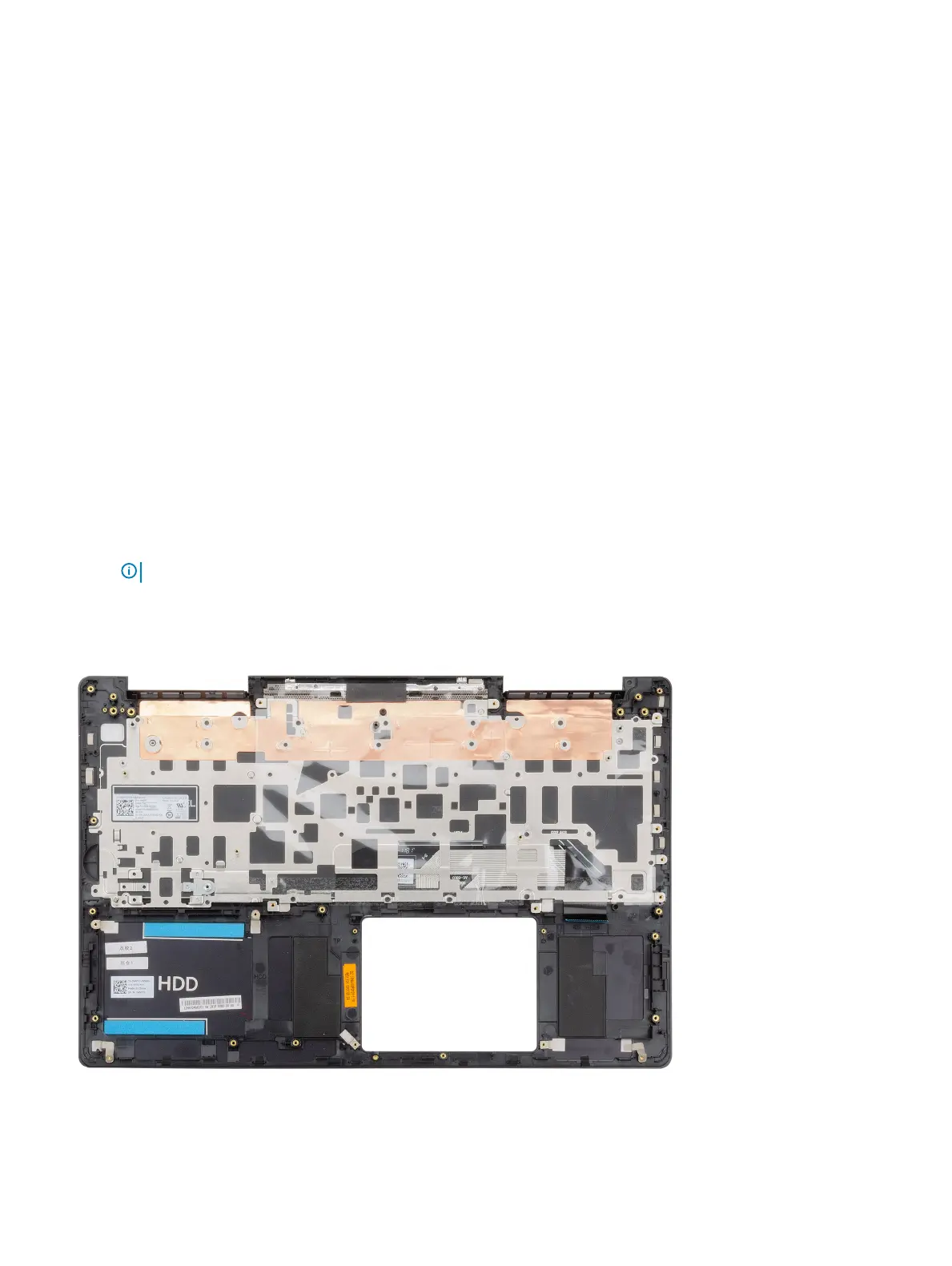
The gure indicates the location of the palm-rest and keyboard assembly and provides a visual representation of the removal procedure.
Disassembly and reassembly
67



 To Next Page