7-39
7
ௐ
ௐ
LCD Display & Settings
Item Description
Clear Statistics
After selecting ‘Clear’ and confirming clearance of statistics,
all records of the statistics will be cleared. The clear action
requires the Administrator password.
Clear Historical
Event
After selecting ‘Clear’ and confirming clearance of historical
event logs, all historical event logs will be cleared. The clear
action requires the Administrator password.
Clear Battery Test
Result
After selecting ‘Clear’ and confirming clearance of battery test
result, the battery test result will be cleared. The clear action
requires the Administrator password.
127(The records of (1) statistics, (2) historical event and (3) battery test result
provide important information for system analysis and maintenance. Do not clear
any of them without the consent of qualified service personnel.
7.11.6 Advanced Diagnosis
Path:
MAINTENANCE
ĺ$GYDQFHG'LDJQRVLV
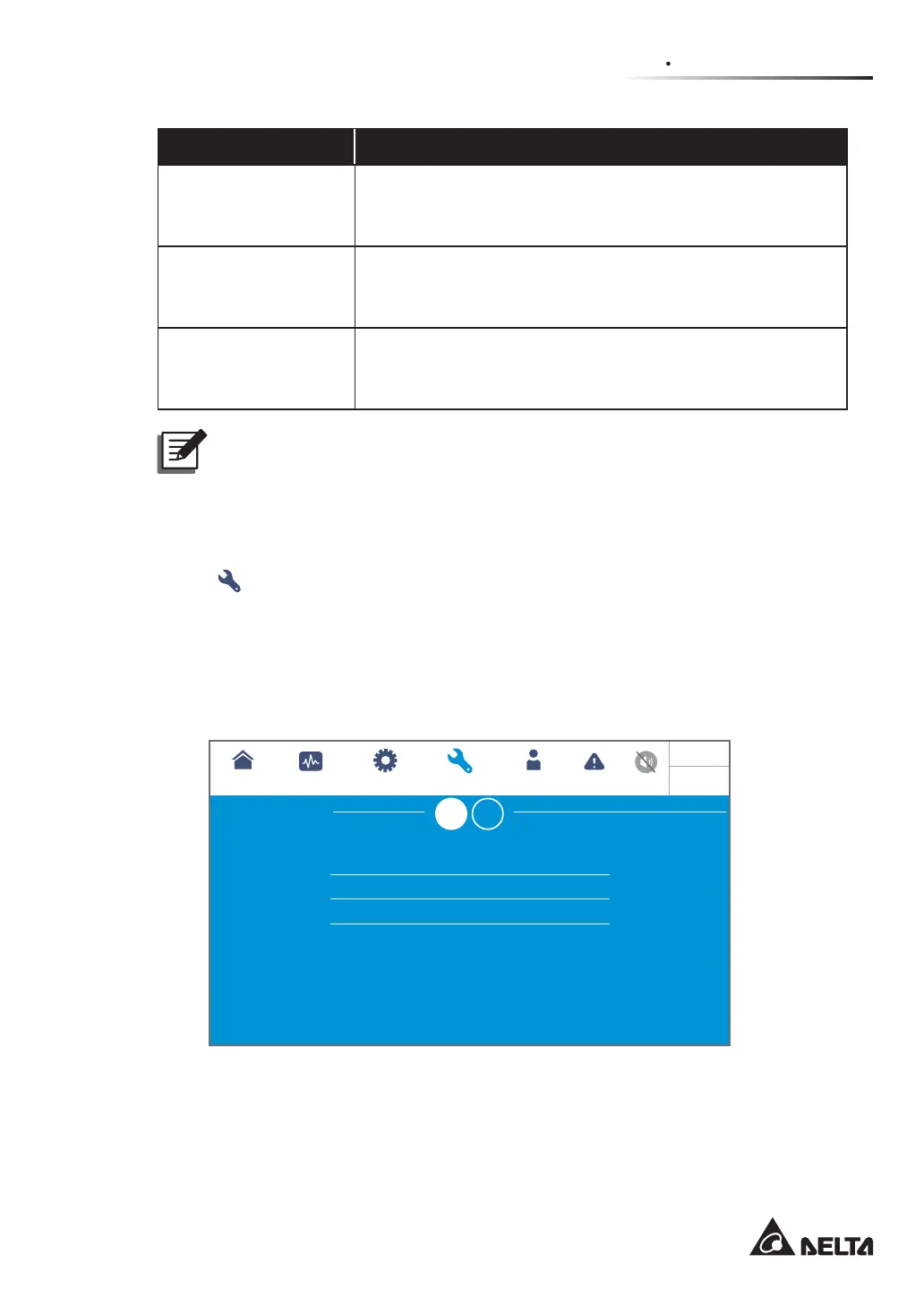
After entering the ADVANCED DIAGNOSIS screen (shown in the figure below), you may
check:
1. STS temperature, battery temperature, and fan speed of the system.
2. INV temperature and PFC temperature of a specific battery module.
25
25
2300
25
25
25
2300
25
25
2300
Bypass
UPS-1.1
SETUP MAINTENANCE LOG IN
Administrator
MEASUREMENT
Advanced Diagnosis
EVENT LOG
ADVANCED DIAGNOSIS
STS Temp. (°C)
Battery Temp. (°C)
Fan Speed (rpm)
SYSTEM
POWER
MODULE
10:15
May 25,2018













 To Next Page