Configuration Guide RAS Settings
174
17.5 RAS Settings
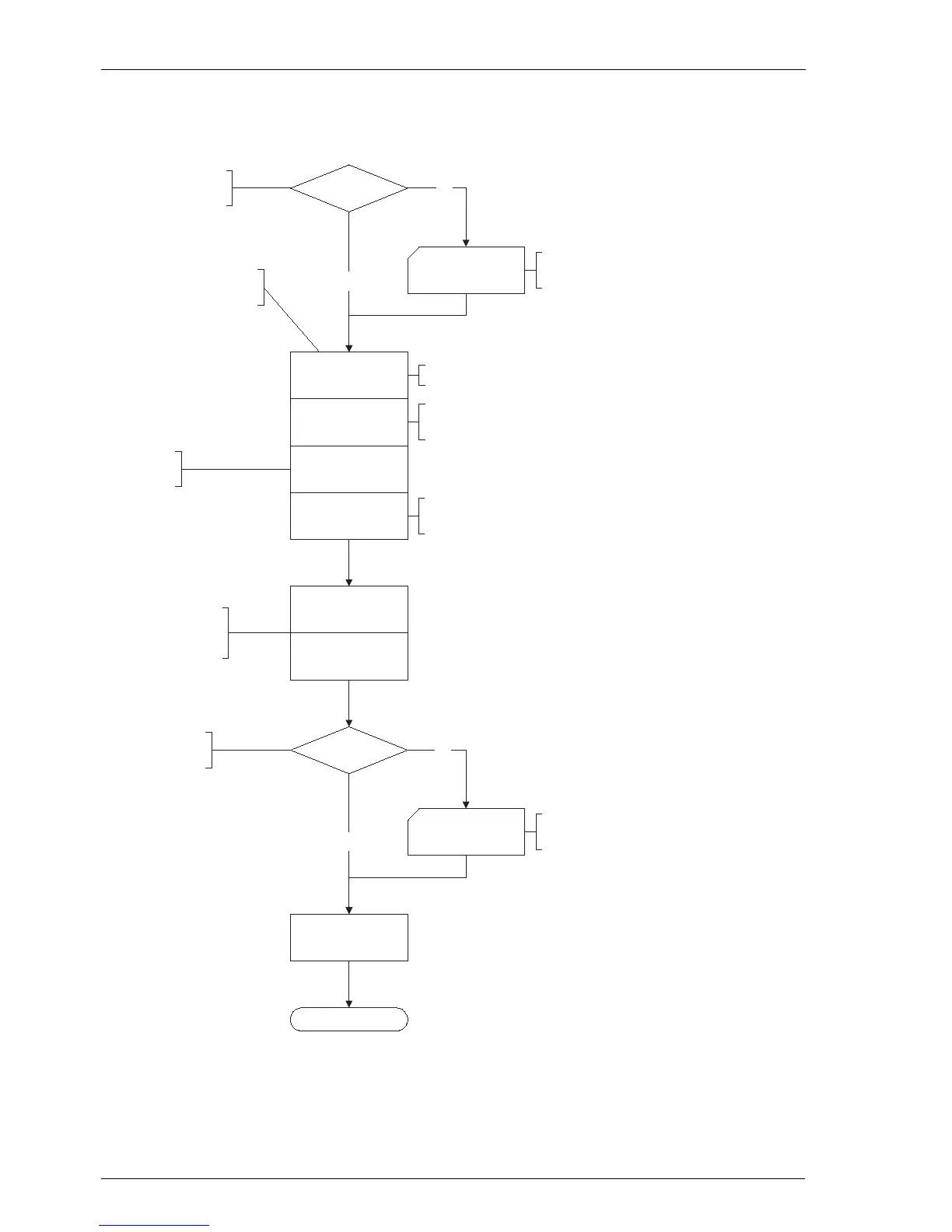
Flowchart: Configuring the RAS Settings
LAN
Users
Status
Authorisation
Number of connections
Filter list IN
Filter list OUT
Add internal telephone
number to the incoming
call distribution scheme.
Finished
Yes
No
No
Yes
Configure users that
have RAS access rights.
Have you created users
with RAS access rights?
Select the filter lists. Filter
lists are created in “NET
Configuration: Firewall”
Specify how many simultaneous
connections are possible via this access.
Select from PAP,
CHAP and CLID.
Activate the RAS access.
Configure the network -
settings for the OpenCom.
Have you made the network
settings for the OpenCom ?
Configure the RAS access of the
OpenCom. “NET Configuration: RAS”
NET Configuration:
LAN
User Manager: Users
and User Groups
Telephone number
Specify the telephone number for which
the RAS access should be configured.



 To Next Page