Configuration Configuring the OpenCom 100
77
Data not available for initial configuration can be updated or corrected at a later
date.
Note: Use the Configuration Guide starting on page 169. This
will assist you in making the settings in the correct sequence.
7.2.2 Starting the Web Console
1. Start your Web browser. Enter the OpenCom 100 IP address in the “Address”
box: http://192.168.99.254/.
If the configuration PC gets its IP address automatically from the OpenCom 100
or if the OpenCom 100 is entered as the domain name server, you can also start
the Web console by entering the DNS name. The DNS name in the factory
setting is host.domain. You can change this in the Configurator (NET Confi-
guration: LAN menu).
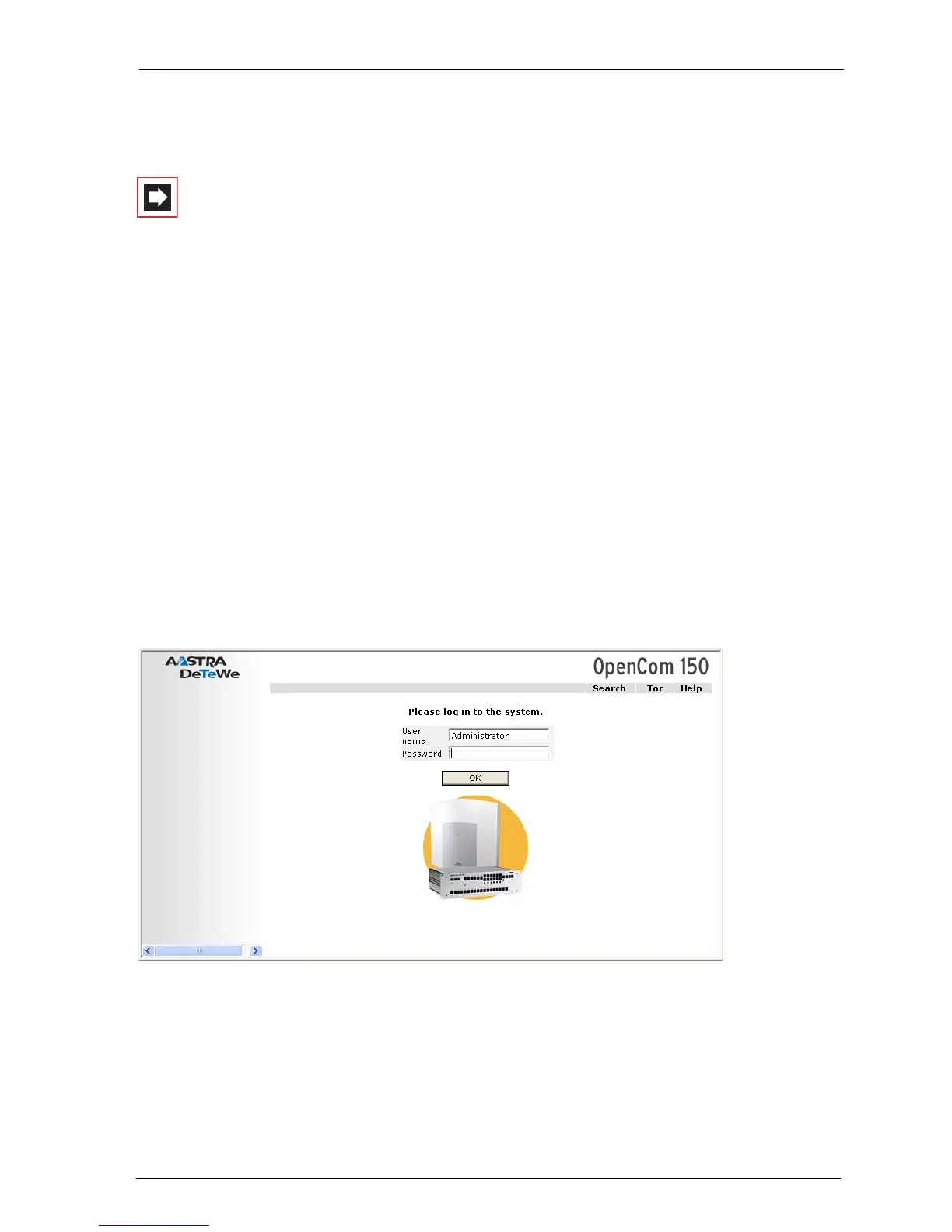
2. The OpenCom 100 Web console is started. First set the country in which you
are operating the OpenCom 100, and in which language the Web console is to
be displayed.
OpenCom 100 (this screenshot: OpenCom 150): log-on dialogue box
3. To commence configuration, you must first log on. For the initial configuration,
enter your:



 To Next Page