Configuration Configuring the OpenCom 100
78
- user name: “Administrator”
- password: for the initial configuration, leave this box blank.
4. Confirm this by clicking on OK. This puts all connected terminals into the
“Guest” user group with restricted user rights. In this way you prevent interna-
tional external calls from the terminals, for example, while you are configuring
the OpenCom 100 and the users.
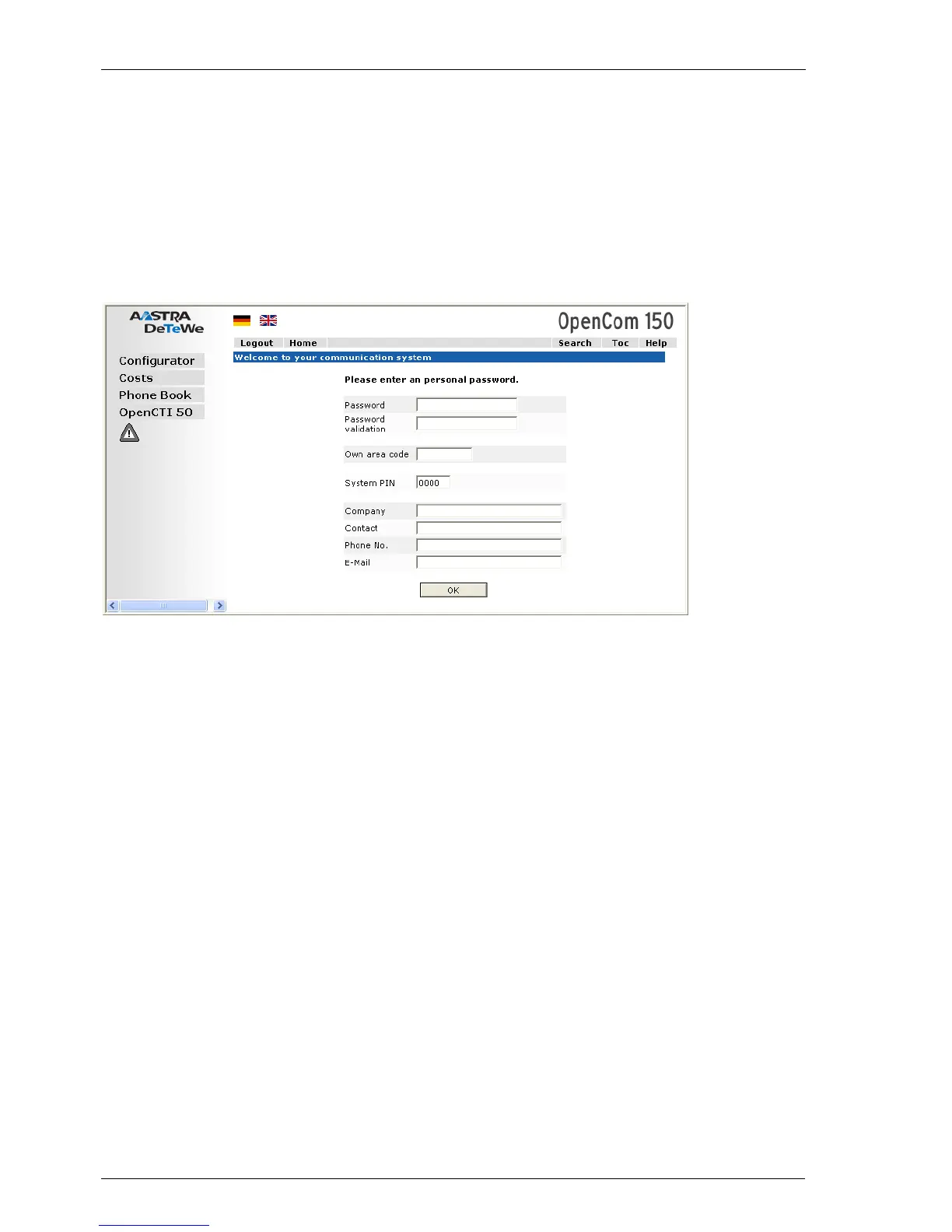
OpenCom 100 (this screenshot: OpenCom 150): dialogue box for initial access
5. The software opens a dialogue for initial access. Determine an administrator
password and enter it in this dialogue. Also fill in the other input fields.
6. Confirm your input with Apply.
7. Click on the Configurator button on the home page.
You will find notes on using the Configurator and in the online help. Click on Help
in the menu bar or click on TOC to activate an overview of help topics.
7.2.3 Loading the Online Help
The online help can now be loaded in the Configurator:
1. Go to the SYS Configuration: Components menu. Select the entry Online
Help and click on Browse.



 To Next Page