S
2M
Connector Module Installation
66
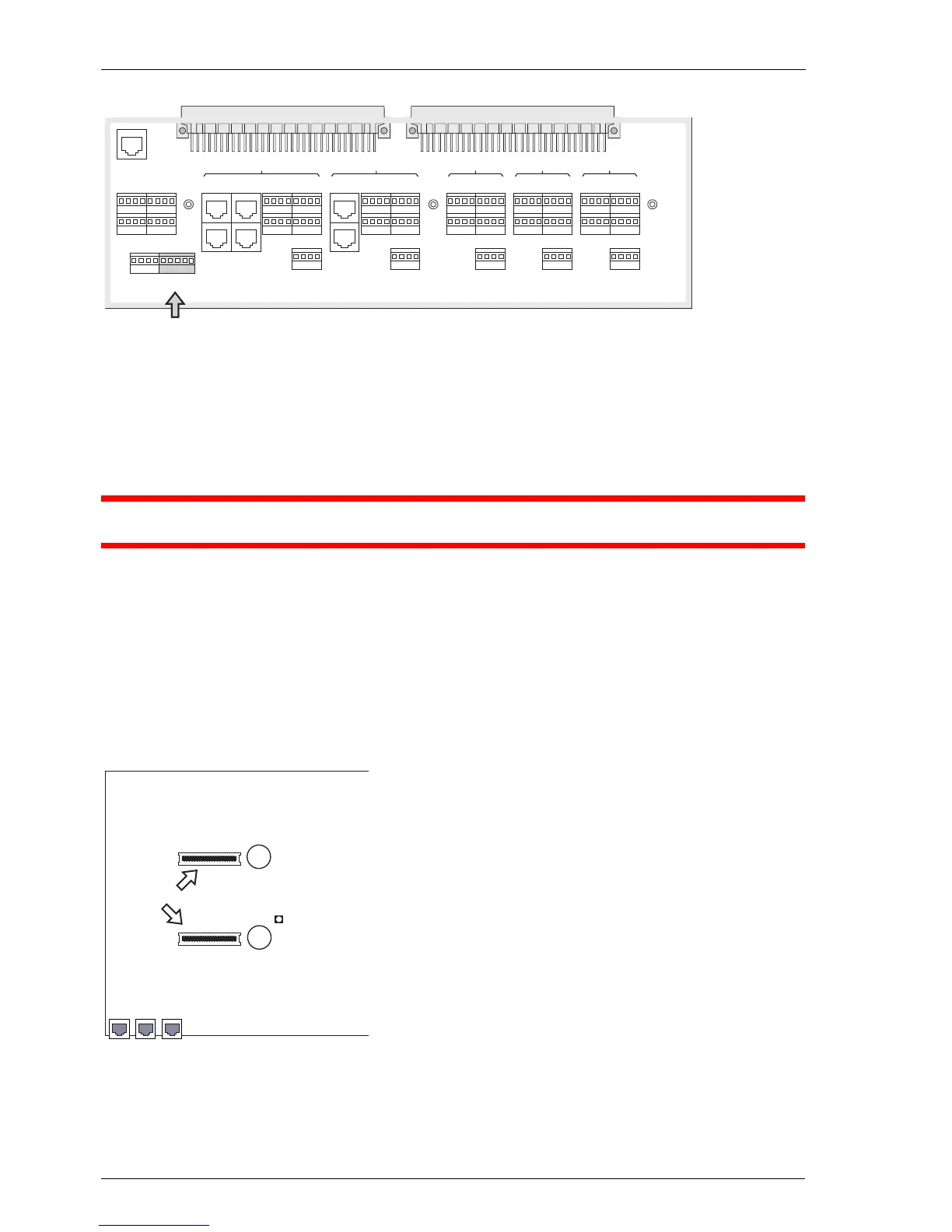
Location of the S
2M
port on the OpenCom 150
5.1 Installation
Please note: The module should only be installed by trained personnel.
DANGER! The device contains hazardous voltages.
1. Pull out the mains plug of the OpenCom 130/150.
2. Open the housing of the OpenCom 130/150.
3. On the module board, remove the protective covers of the two S
2M
slots (A)
and (B).
Position of the S
2M
slots on the module board
V. 24
1-21-1
1-41-3
1-5
S
0
1S
0
2
S
0
3S
0
4
Slot 1
S
0
1
S
0
2
2-22-1
2-42-3
2-5
Slot 2
5-25-1
5-45-3
5-5
Slot 5
4-24-1
4-44-3
4-5
Slot 4
3-23-1
3-43-3
3-5
Slot 3
1+2 3+ 4
Actuator
1+2 Sensor 3+4
Door
1+2
S
2M
LAN 1PCM LAN 2
Activity LED
B
A
S
2M
slots



 To Next Page