Installation Wall Mounting
25
■ on or near inflammable materials,
■ or near high-frequency devices such as transmitters, X-ray or similar apparatus.
Use a separate 230 V power circuit and install overvoltage protection.
3.5 Wall Mounting
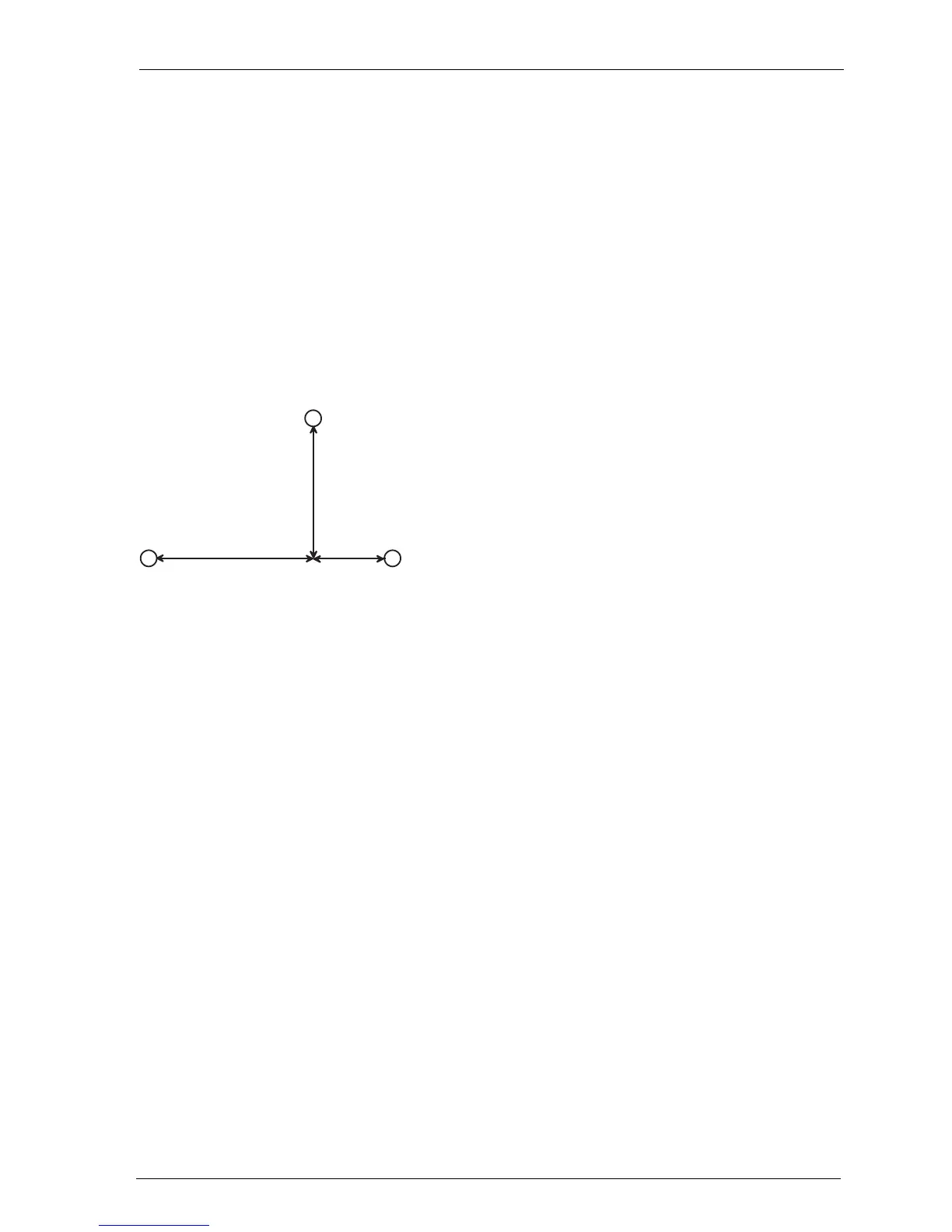
The OpenCom 100 is mounted on the wall with three screws as shown in this
diagram:
Mounting plan
To fasten the screws at points B and C, remove the cover of the OpenCom 100 and
insert the screws in the holes provided for this purpose. The OpenCom 100 is sus-
pended from the screw at point A, so there must be a space of 3 mm between the
screw and the wall.
A
BC
D
184
134
332



 To Next Page