Installation Installing an Expansion Set
27
Installing the expansion module
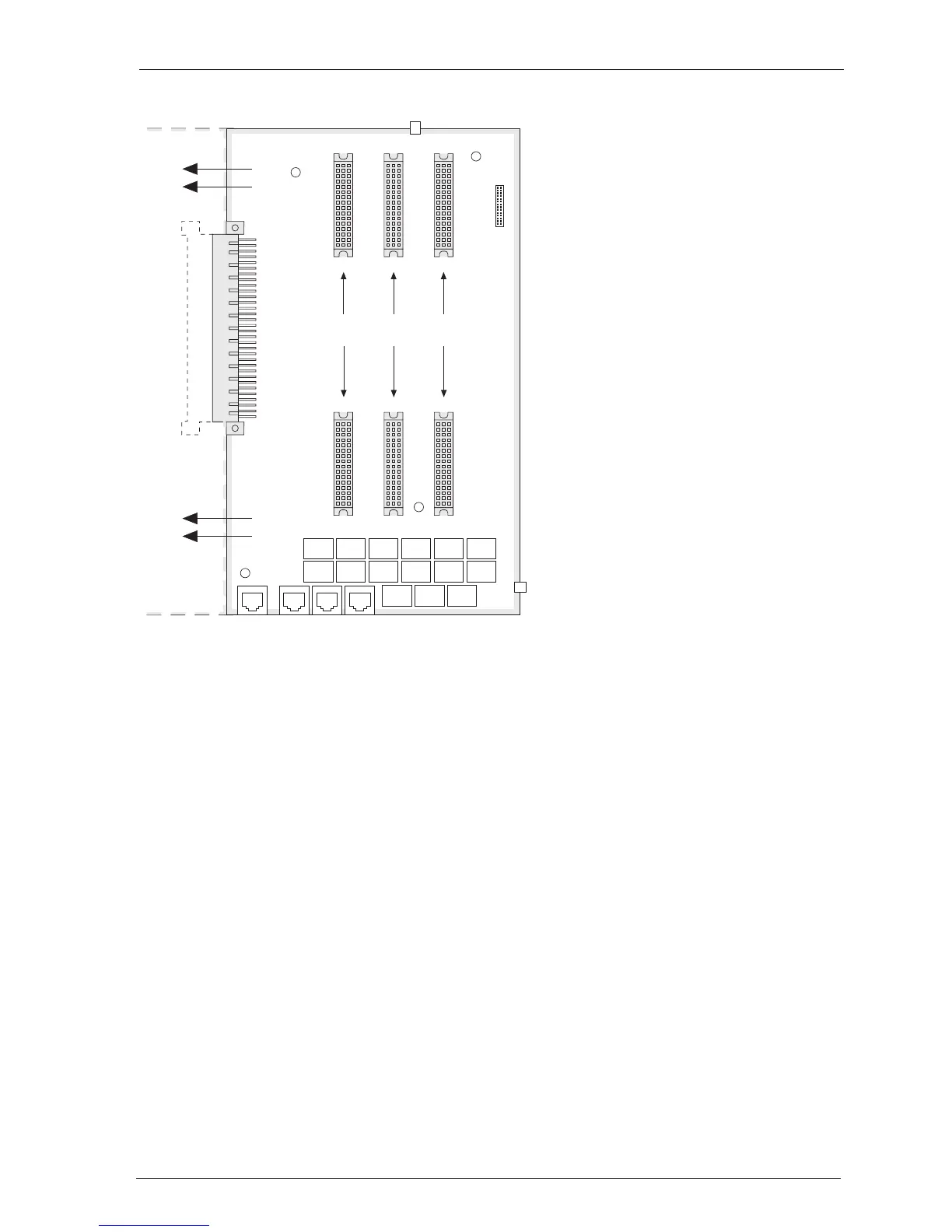
4. Carefully press the expansion module at the top and bottom right, pushing it
into the locking hooks provided (see “A” and “B” in the diagram). Secure the
expansion module using the Phillips screws provided in the expansion set (see
“1” to “4” in the diagram).
Slot 1 Slot 2 Slot 3
4
1
2
3
A
B



 To Next Page