Configuration Brief Guide to Initial Configuration
75
guration steps, you should activate the Assistant mode on the entry page of the
Configurator. Please also pay attention to the online help.
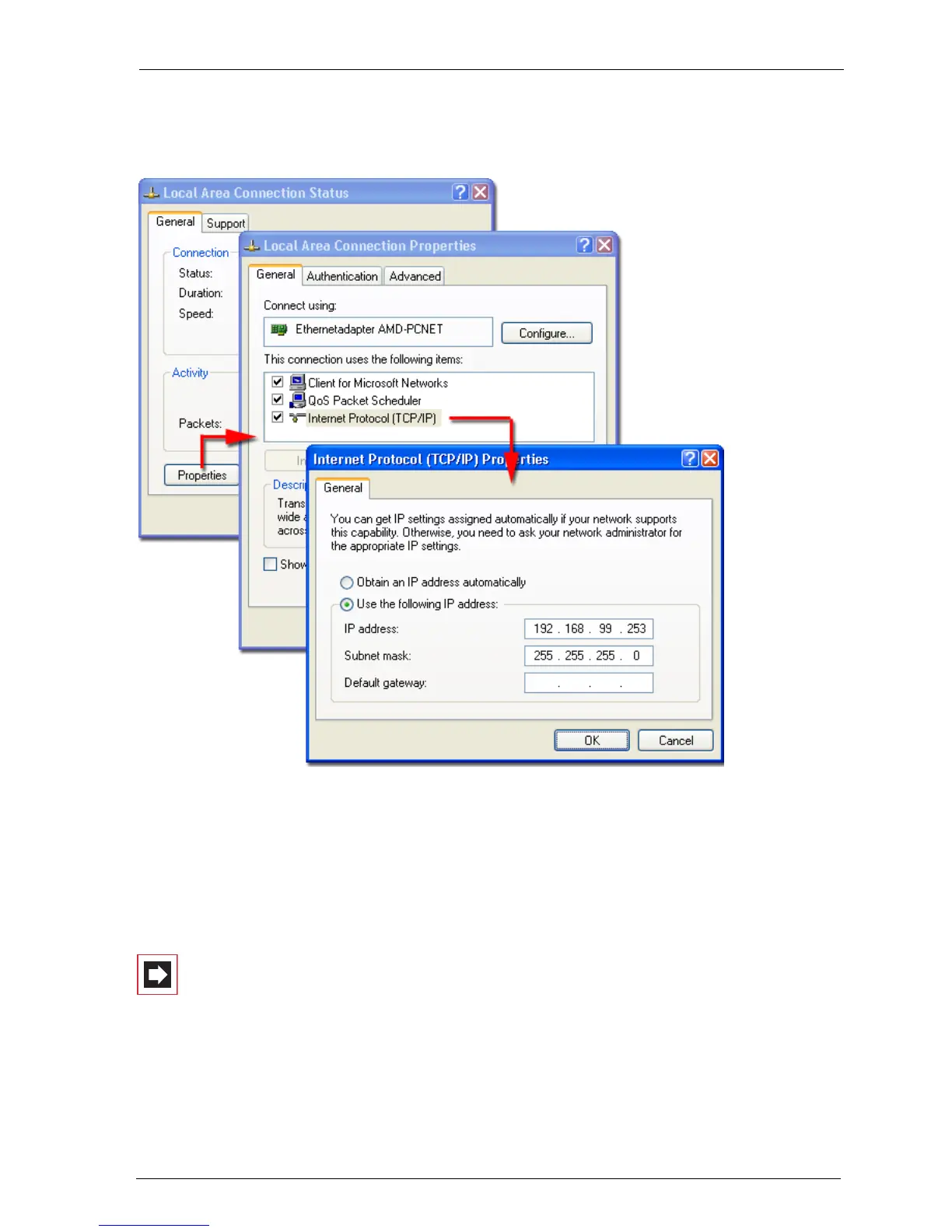
Setting the IP address in Windows XP
Tip: To find out the IP address of the Web console, enter the code
digit procedure
*182on a connected system tele-
phone. You can also view the net mask by entering the proce-
dure
*183. The PC’s IP address must be in this network
range.
Note: Deactivate any connection via a proxy server which
has been configured. Open the Internet Explorer, go to the
menu Extras and open the Internet options dialogue box.
Select the Connections register and deactivate the Proxy
Server.



 To Next Page