© 2013 DHD Deubner Hoffmann Digital GmbH
14
Series 52 - 52/DX Compact Mixing Console Manual
Specifications and design are subject to change without notice. The content of this document is for information only. The information presented in this document does not form part
of any quotation or contract, is believed to be accurate and reliable and may be changed without notice. No liability will be accepted by the publisher for any consequence of its use.
Publication thereof does neither convey nor imply any license under patent rights or other industrial or intellectual property rights.
1.
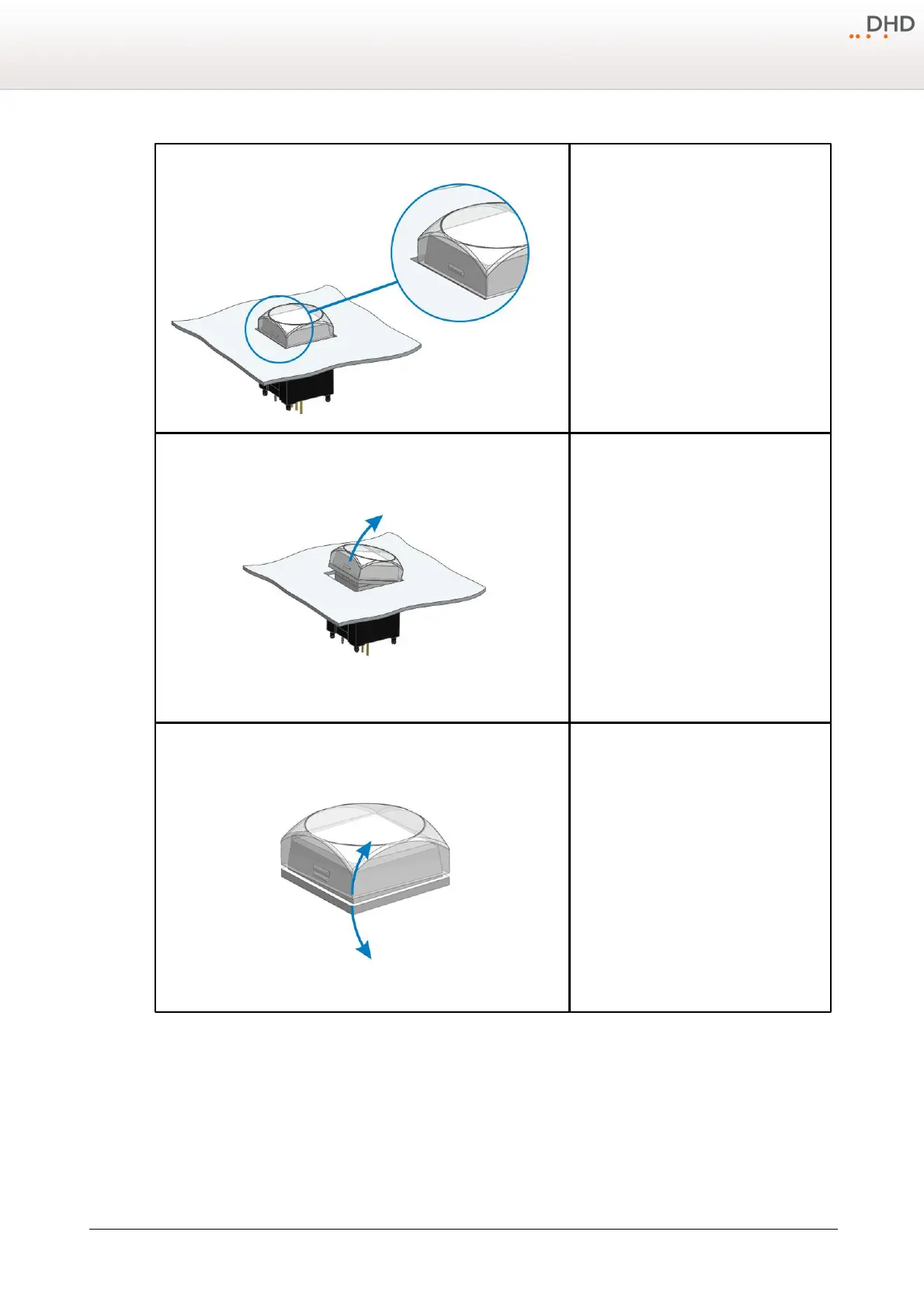
The push-button caps can be removed to
insert a customised label. Cap and diffuser are
connected by a snap-fit on the right and on
the left of the pushbutton.
2.
Grab the cap on the upper and lower side an
pull it away from the black main part of the
push button.
3.
Separate the white coloured diffuser and the
transparent cap by pulling apart both parts.



 To Next Page