Storage Media
28 BEETLE /M-III - Service manual
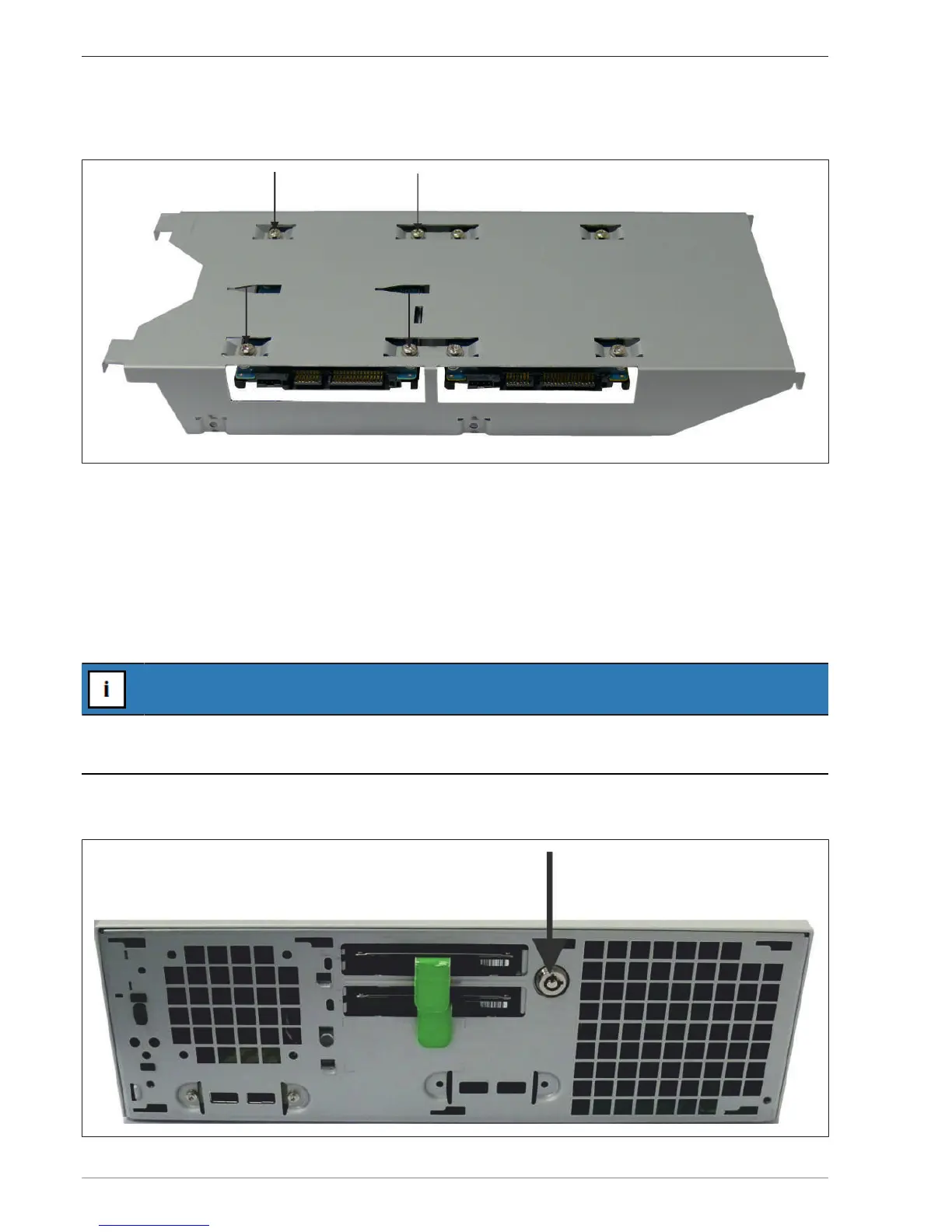
Remove the four screws of each hard disk with a Torx screwdriver. Hold the hard disks securely with one hand
while loosening the screws in order to protect them from falling.
Remove the hard disks. Fasten the new inserted hard disks using the screws removed earlier.
Observe the correct installation position and the correct interfaces on the motherboard (see chapter "SATA ports
on the motherboard").
Re-install the hard disk holder following the steps in reverse order.
14.4.1 For hard disks or SSD with front access
Shut down the system. Remove the cable cover and pull the power plug at the rear.
NOTICE
Observe the instructions regarding electrostatic discharge-sensitive assemblies (see chapter "Electrostatic dis-
charge-sensitive components").
Remove the front panel (see chapter "Removing the front panel").
Unlock the hard disk holders using the key provided (note the interlock symbols).


 To Next Page