DG-SC2100/DG-SC2100W User Manual
65
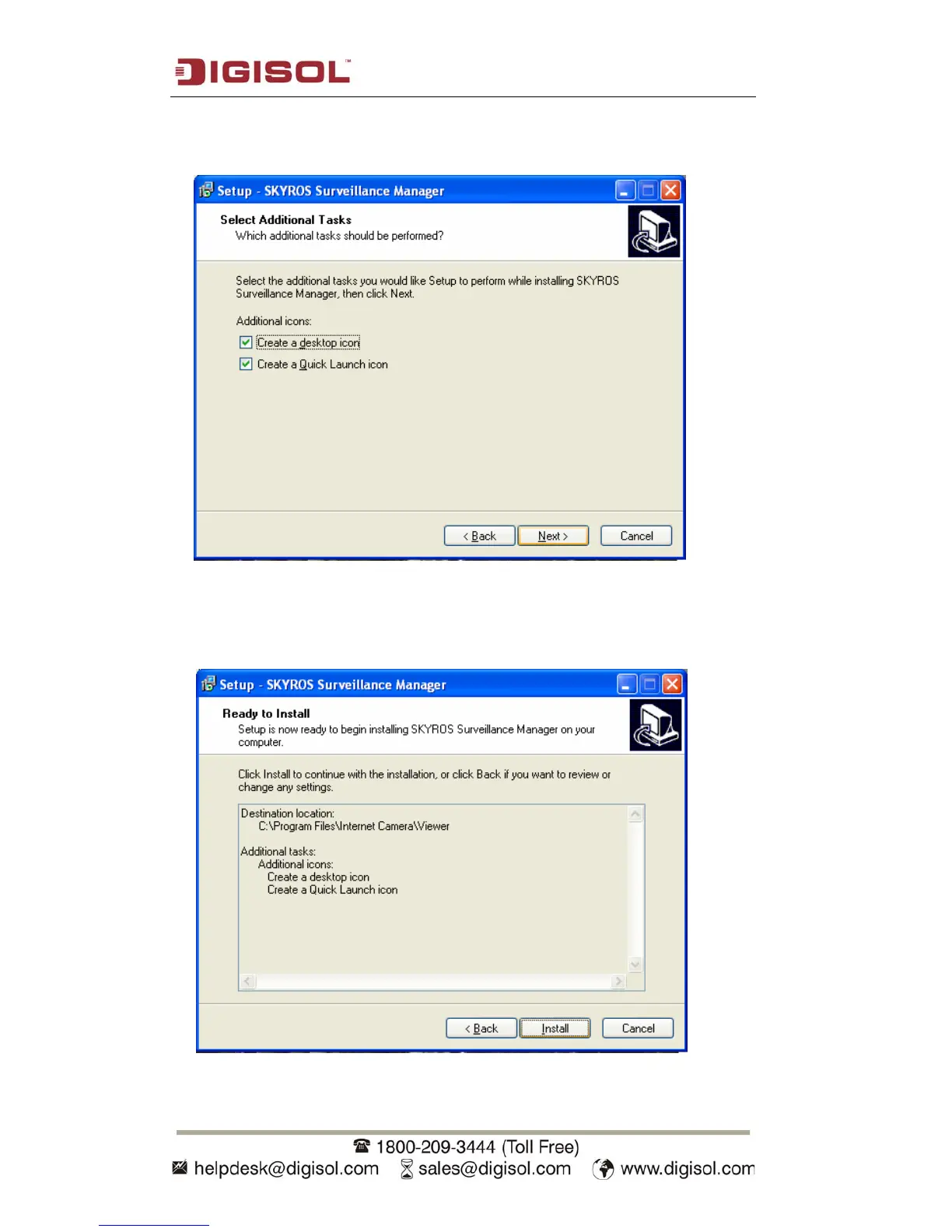
3. If you need the installation program to create a desktop icon or a quick launch icon,
you can accordingly select them here, and click ‘Next’ to continue.
4.
The next screen lists all options you chose in previous steps, if everything is
as configured, click ‘Install’ to start the installation procedure, or click ‘Back’
to go back to previous step to modify installation settings.



 To Next Page