DG-SC2100/DG-SC2100W User Manual
66
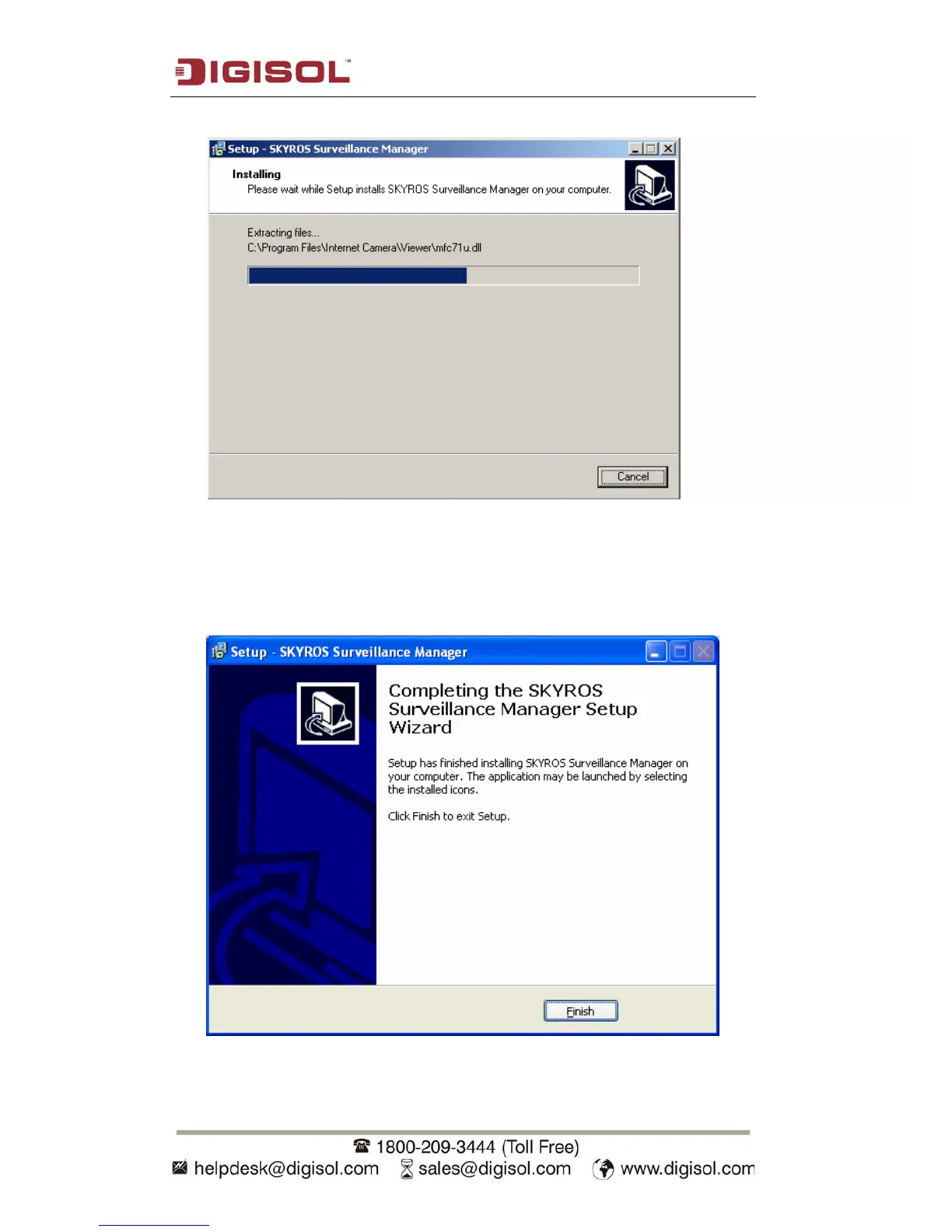
5. The installation procedure will take some time, please be patient.
6.
When you see this window, it means the software installation procedure is
complete. Please click ‘Finish’ to finish the procedure (the SKYROS surveillance
Manager Software will start once the ‘Finish’ button is clicked. However, to start
the software later, uncheck ‘Launch the SKYROS Surveillance Manager’ tick box).



 To Next Page