Document No. CO 004844K
42
Select Unlock to make the test set available to anyone when it
is started.
Adding Notes to a Test Unit
When you lock a Test Unit, you can add notes to the Add/Lock dialog
box that are pertinent to the Test Unit. Different Test Units can carry
their own specific notes.
To add notes to the Lock/Unlock dialog box for a test unit:
1. Choose the desired protocol processor and select the Lock icon.
The Lock/Unlock dialog box appears.
2. If the test unit is locked by someone else, select and
choose or .
Selecting Lock and Exit closes the dialog box. You can reopen the
dialog box by selecting the Lock icon again.
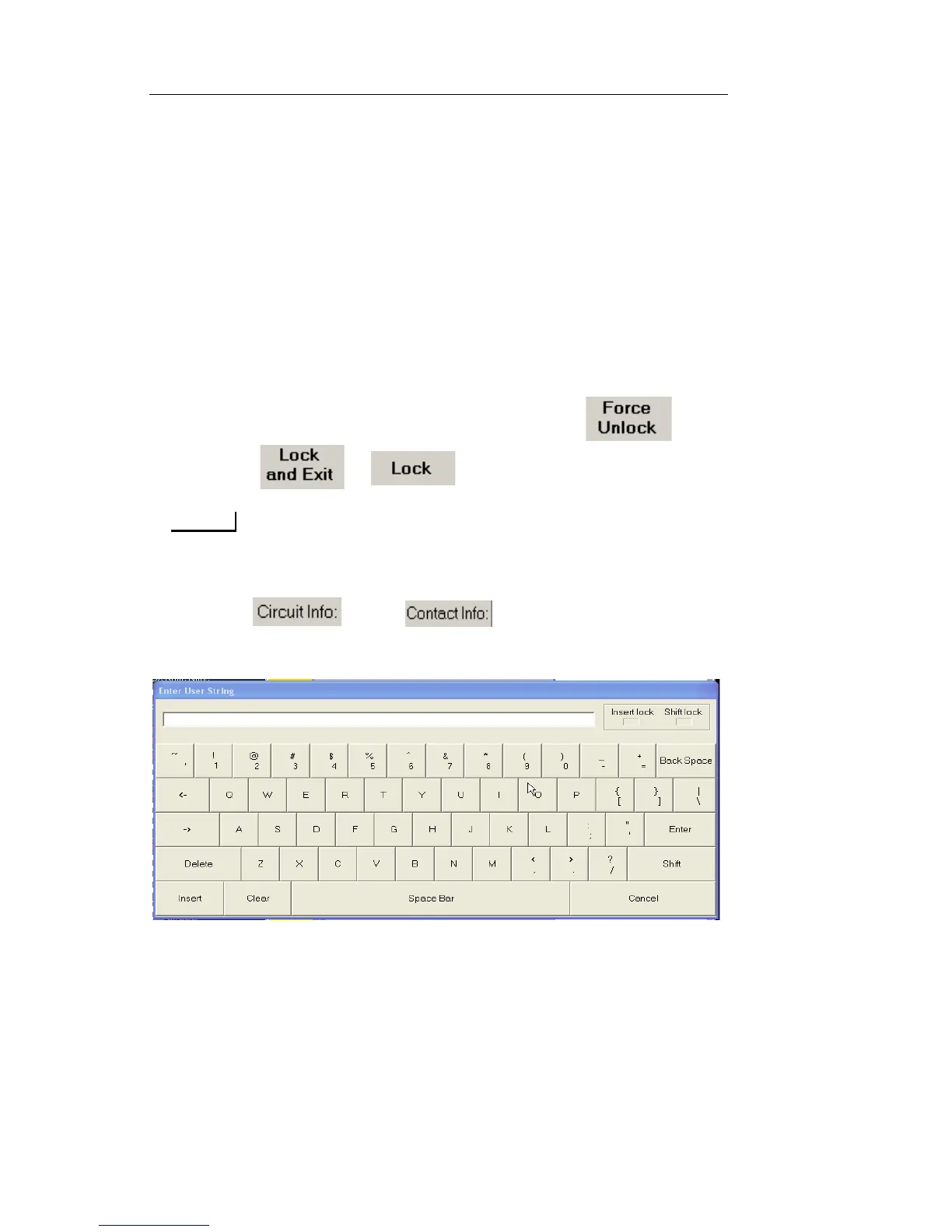
3. Select and/or . The Enter User String
keyboard opens.
4. Type notes and select Enter. The notes appear in their associated
information box.
5. Select Exit to close the Lock/Unlock dialog box.


 To Next Page
 Loading...