Document No. CO 004844K
62
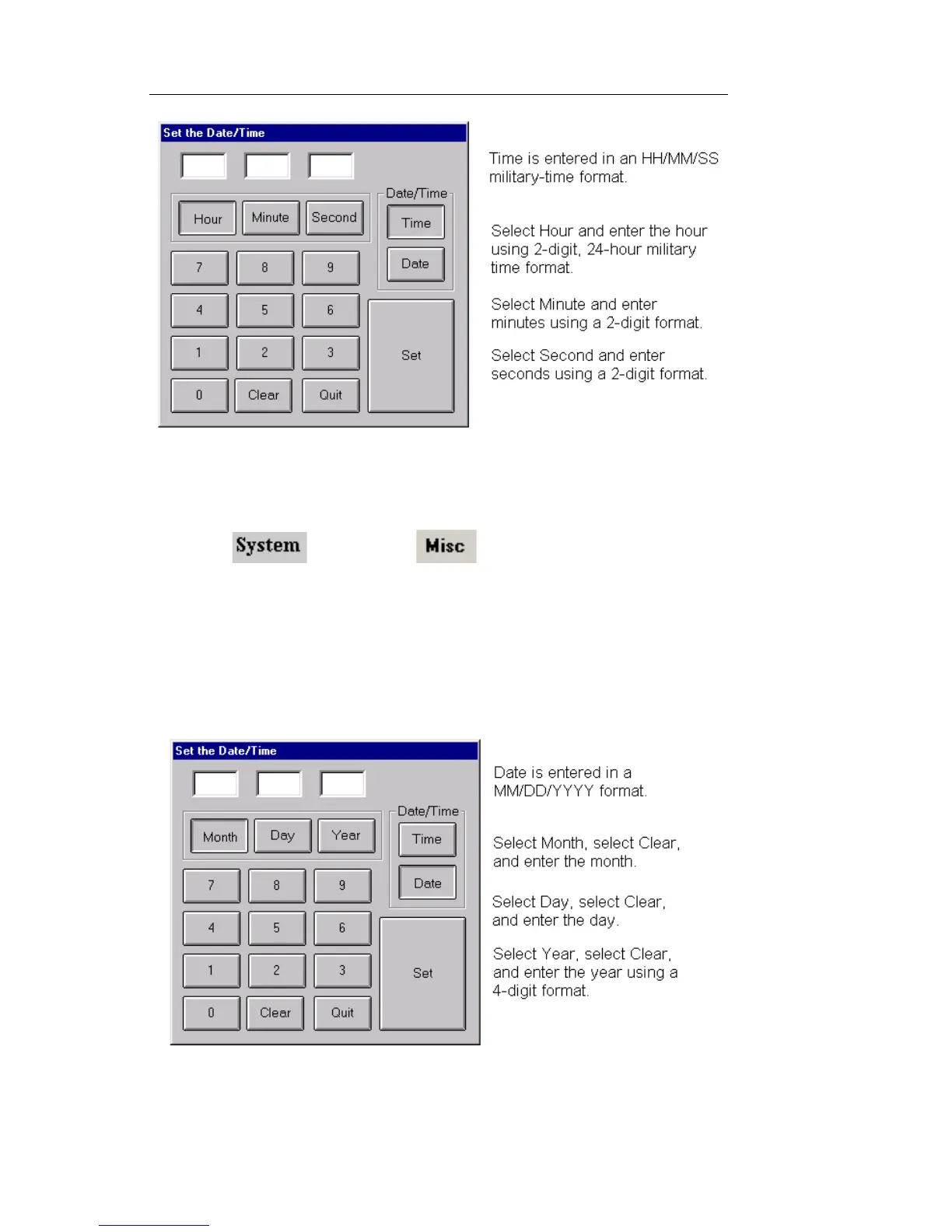
5. Enter the time, and select SET.
To set the date:
1. Select and choose . The Miscellaneous
functions appear.
2. Select Unit Time, Date, Zone. The Date/Time and Time
Zone menu appears.
3. Select Manually Adjust Date/Time.
4. Select Date.
5. Enter the date, and select SET.
To close the window without making changes, select Quit


 To Next Page
 Loading...