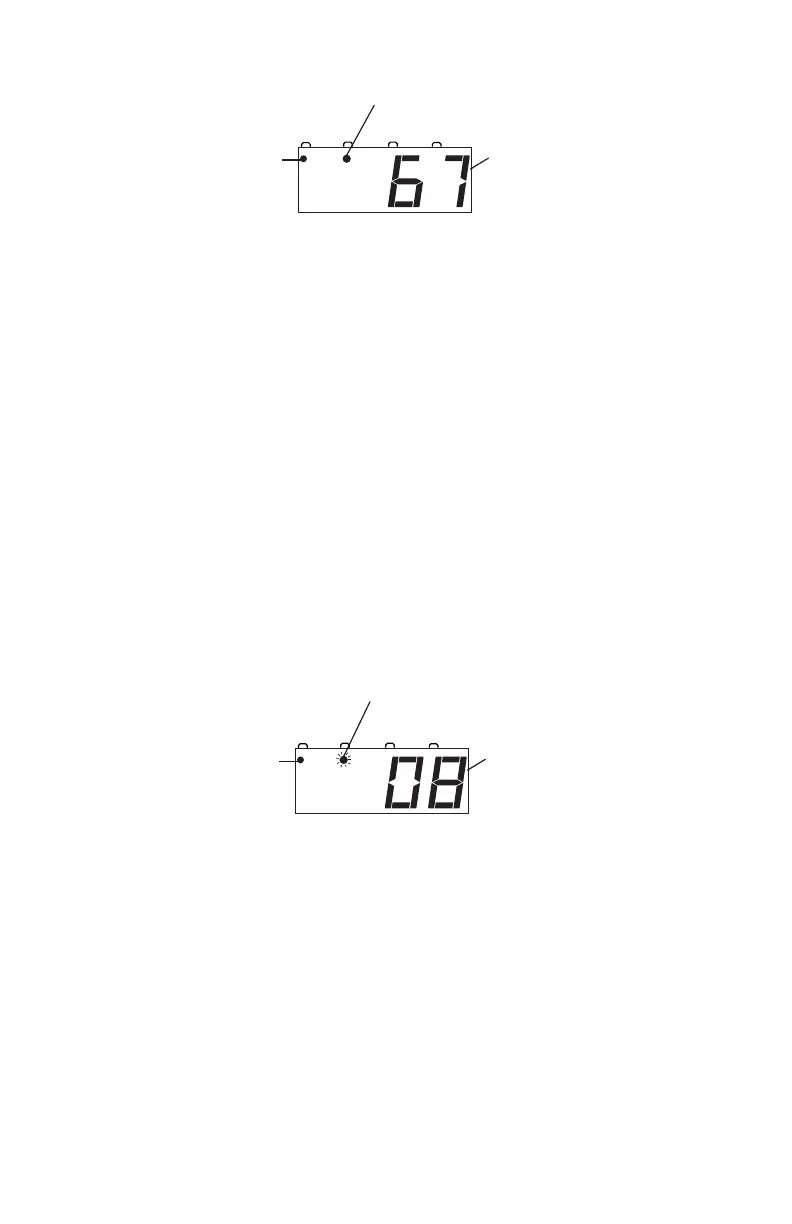
When you have JUMP 1 on the DCS50’s display, you can use the
NUMERIC KEYS to make changes to the function controls on the
JUMP 1 loco. The DCS50’s THROTTLE KNOB and DIREC-
TION LEVER will continue to control the speed and direction of
the loco selected on the LOCAL THROTTLE. The smooth DC
power pack being used as the JUMP 1 throttle will continue to con-
trol speed and direction of the loco address selected on JUMP 1.
To run a locomotive address on JUMP 2:
1. Press the JUMP key until you see the JUMP 2 display on the
DCS50. You will see the JUMP INDICATOR DOT flashing and
either Loco or the address currently being run on JUMP 2 in the
display.
2. To select a different locomotive address, press LOCO, enter the loco
address you want to select and press LOCO again to complete the
selection process.
When you have JUMP 2 on the DCS50’s display, you will control the
locomotive’s speed and direction on JUMP 2 with the DC power
pack and you can use the DCS50’s NUMERIC KEYS to make
changes to the functions on the JUMP 2 loco. The DCS50’s
THROTTLE KNOB and DIRECTION LEVER will continue to
control the speed and direction of the loco selected on the LOCAL
running on Jump 2.
on address 08.
running on Jump 1.
on address 67.



 To Next Page