4 Configurations on Web Interface
DAG2000-24/32SUser Manual
Copyright©2011-2020 Dinstar
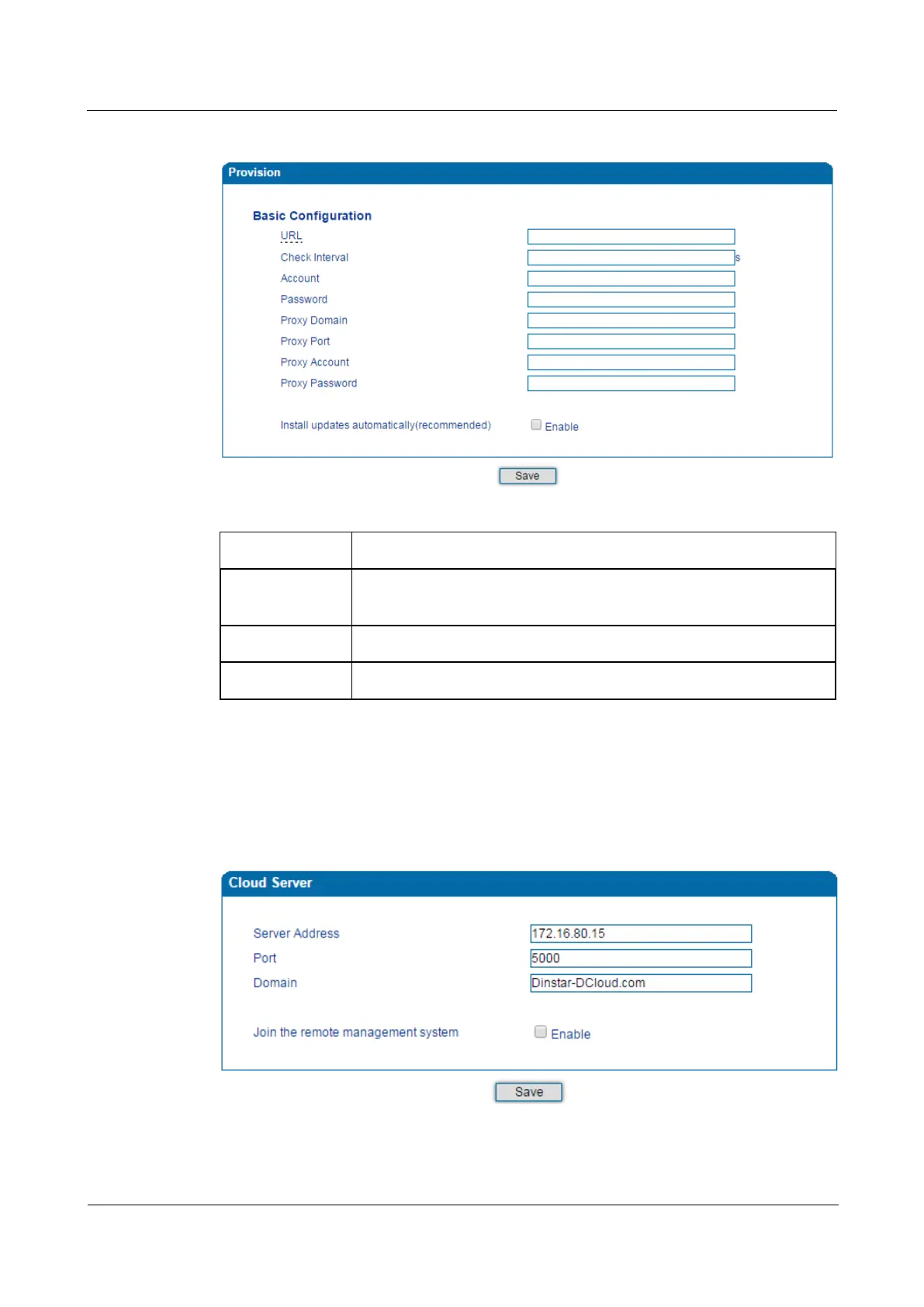
Figure 4-33 Provision
Table 4-22 Explanation of Provision Parameters
URL URL of provisioning server, support HTTP, TFTP, FTP
Check Interval The interval to check whether there is new firmware version
provisioning server
Account Account for logging in provisioning server
Password Password for logging in provisioning server
4.12.5 Cloud server
You can register the DAG2000 device to cloud server, and then the device can be managed by
the cloud server.
Figure 4-34 Configure Cloud Server














 To Next Page