4 Configurations on Web Interface
DAG2000-24/32SUser Manual
Copyright©2011-2020 Dinstar
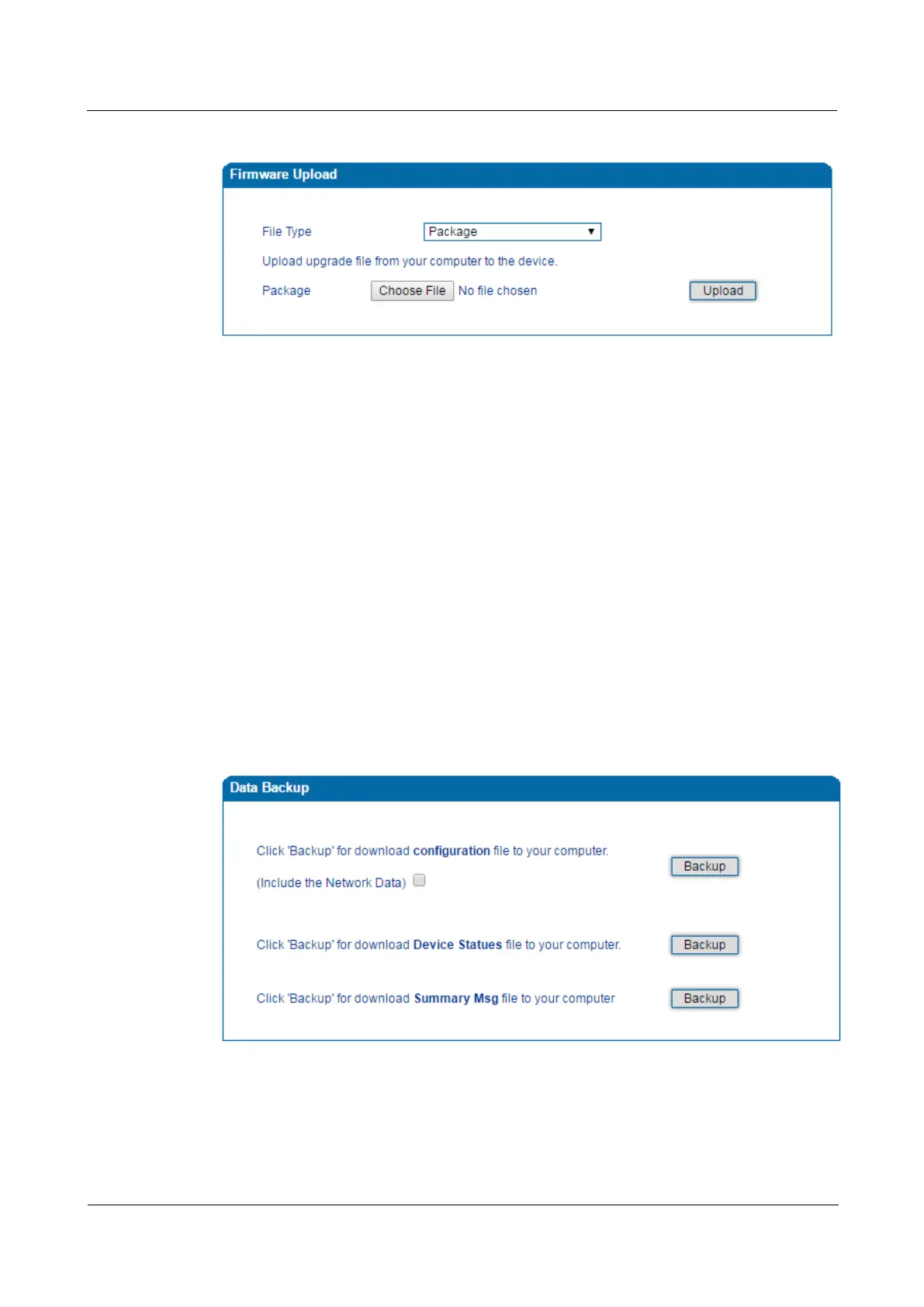
Figure 4-42 Upload Firmware
Steps of Firmware Uploading:
Step 1. Check the current firmware version on the Status & Statistics System Information
page.
Step 2. Prepare firmware package.
Step 3.Upload firmware, select the package from a specific folder on the computer and click the
Upload button.
Step 4. Keep waiting until it prompts ‘Software loaded successfully!’
Step 5. Reboot the device on the Tool s Device Restart page.
4.14.2 Data Backup
On the Tools Data Backup page, you can download and backup configuration data, device
status and summary messages on local computer.
Figure 4-43 Backup Data














 To Next Page