4 Configurations on Web Interface
DAG2000-24/32SUser Manual
Copyright©2011-2020 Dinstar
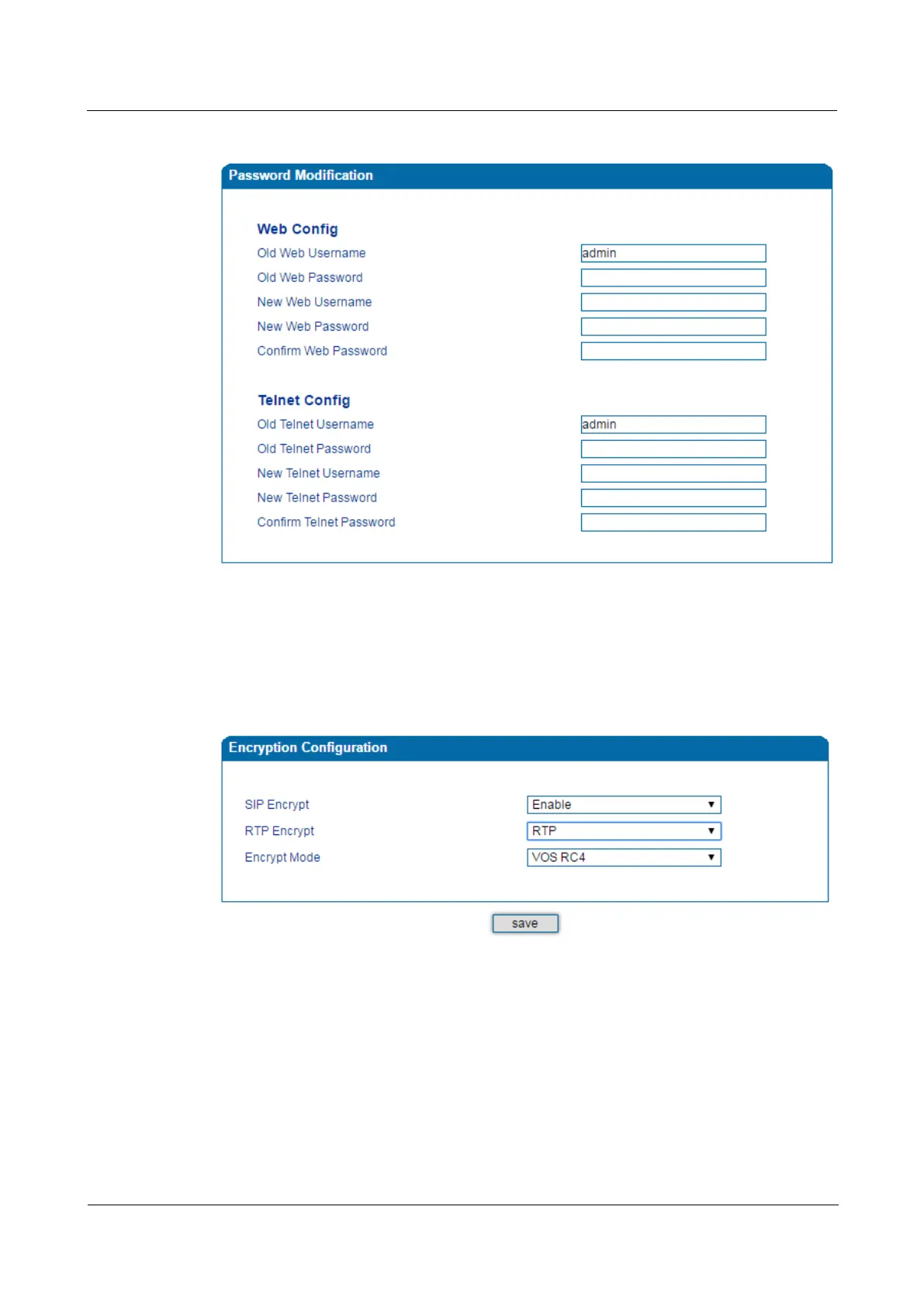
Figure 4-40 Modify Username and Password
4.13.4 Encrypt
When the DAG2000 device is registered to a VOS softswitch, you can encrypt SIP and RTP
for the VOS softswitch.
Figure 4-41 Encrypt SIP and RTP
Note: If SIP encrption is enabled, heartbeat and anonymous calls should be disabled.
4.14 Tools
4.14.1 Firmware Upload
On the Tools Firmware Upload page, you can upload a new firmware version from a local
folder.














 To Next Page