4 Configurations on Web Interface
DAG2000-24/32SUser Manual
Copyright©2011-2020 Dinstar
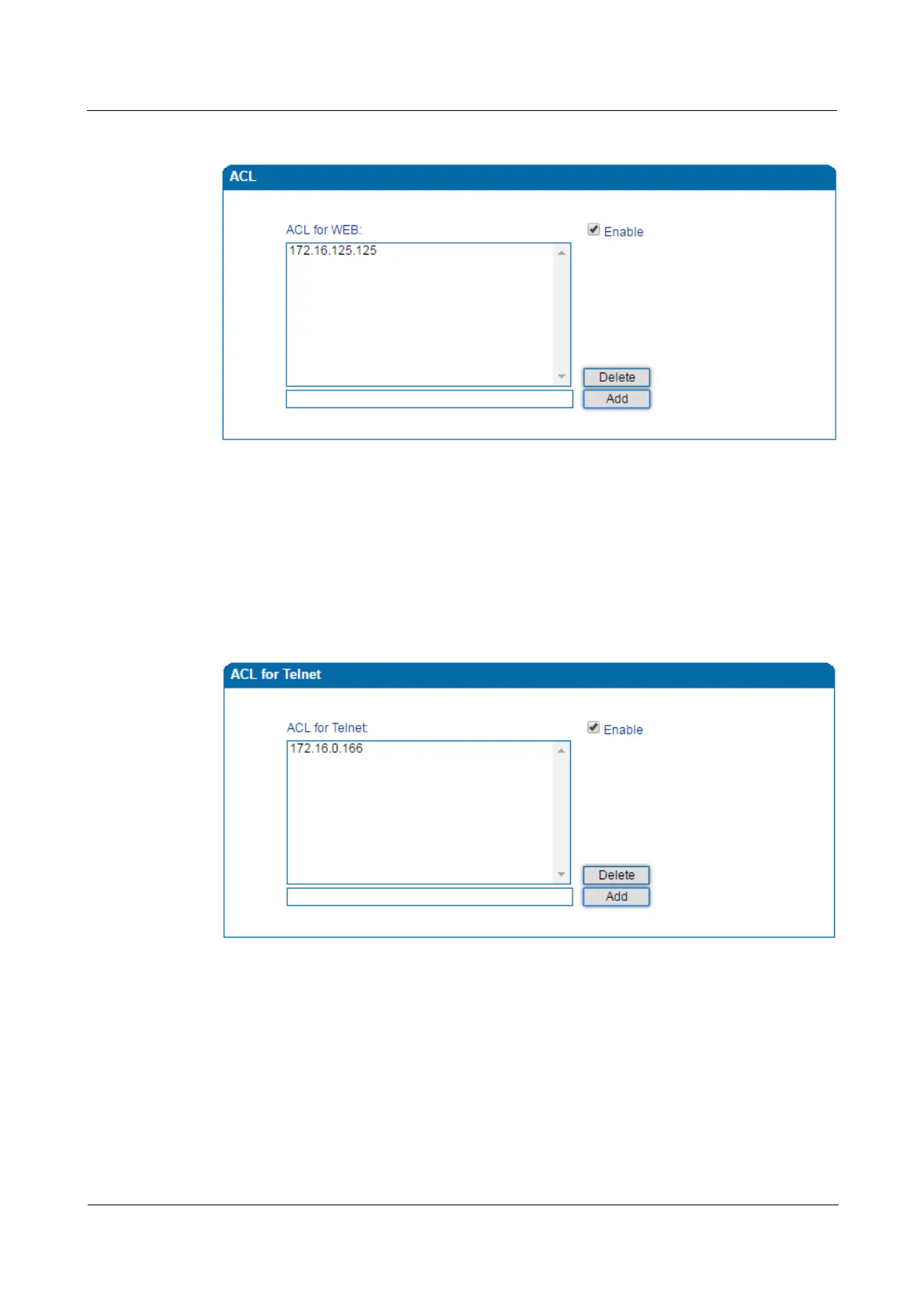
Figure 4-38 Add IP Address to Web ACL
4.13.2 Telnet ACL
ACL (Access Control List) for Telnet is used to configure IP addresses that are allowed to
access the Telnet Interface of the DAG2000 device. The IP address list can’t be null once ACL
is enabled.
Figure 4-39 Add IP Address to Telnet ACL
4.13.3 Passwords
You can configure or modify the username and password for logging in the Web interface and
the Telnet interface of the DAG2000 device on this page.
Note:Both the username and password of Web and Telnet are ‘admin’ and ‘admin’ by default.
It is advised to modify them for security consideration.














 To Next Page