4 Configurations on Web Interface
DAG2000-24/32SUser Manual
Copyright©2011-2020 Dinstar
4.14.3 Data Restore
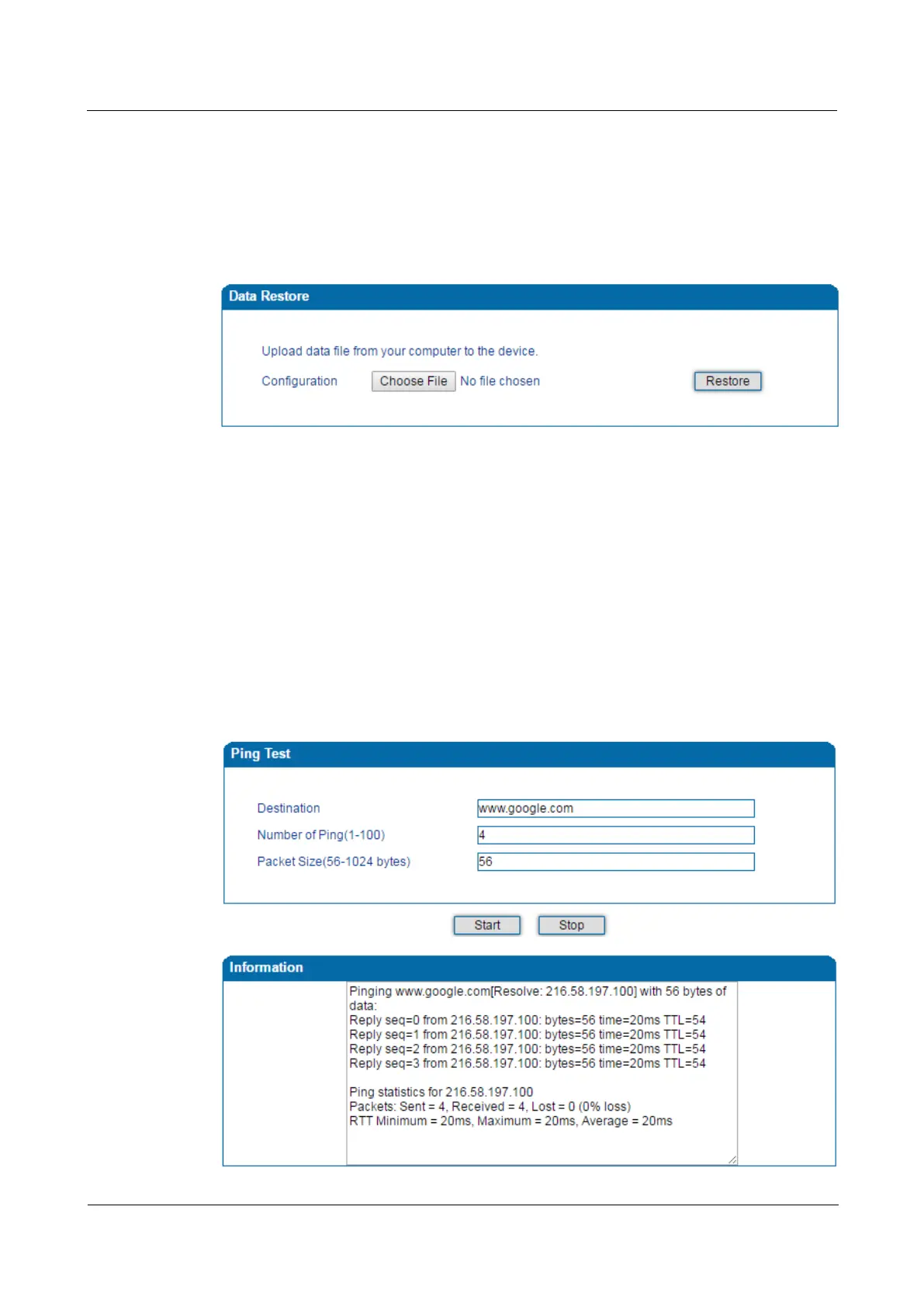
On the Tools Data Restore page, you can restore configuration data through uploading a
data file from local computer. The restored configurations will take effect after the device is
restarted.
Figure 4-44 Restore Data
4.14.4 Ping Test
Ping is used to examine whether a network works normally through sending test packets and
calculating response time.
Instructions for using Ping:
1. Enter the IP address or domain name of a network, a website or a device in the input box
of Ping, and then click Start.
2. If related messages are received, it means the network works normally; otherwise, the
network is not connected or is connected faultily.
Figure 4-45 Execute Ping Test














 To Next Page