4 Configurations on Web Interface
DAG2000-24/32SUser Manual
Copyright©2011-2020 Dinstar
Table 4-23 Explanation of Parameters for Cloud Server
Server Address The IP address of the cloud server
Port The listening port of the cloud server
Domain The domain name of the cloud server
Join the remote
management system
Choose whether to join the remote management system of the cloud
server.
4.12.6 User Manage
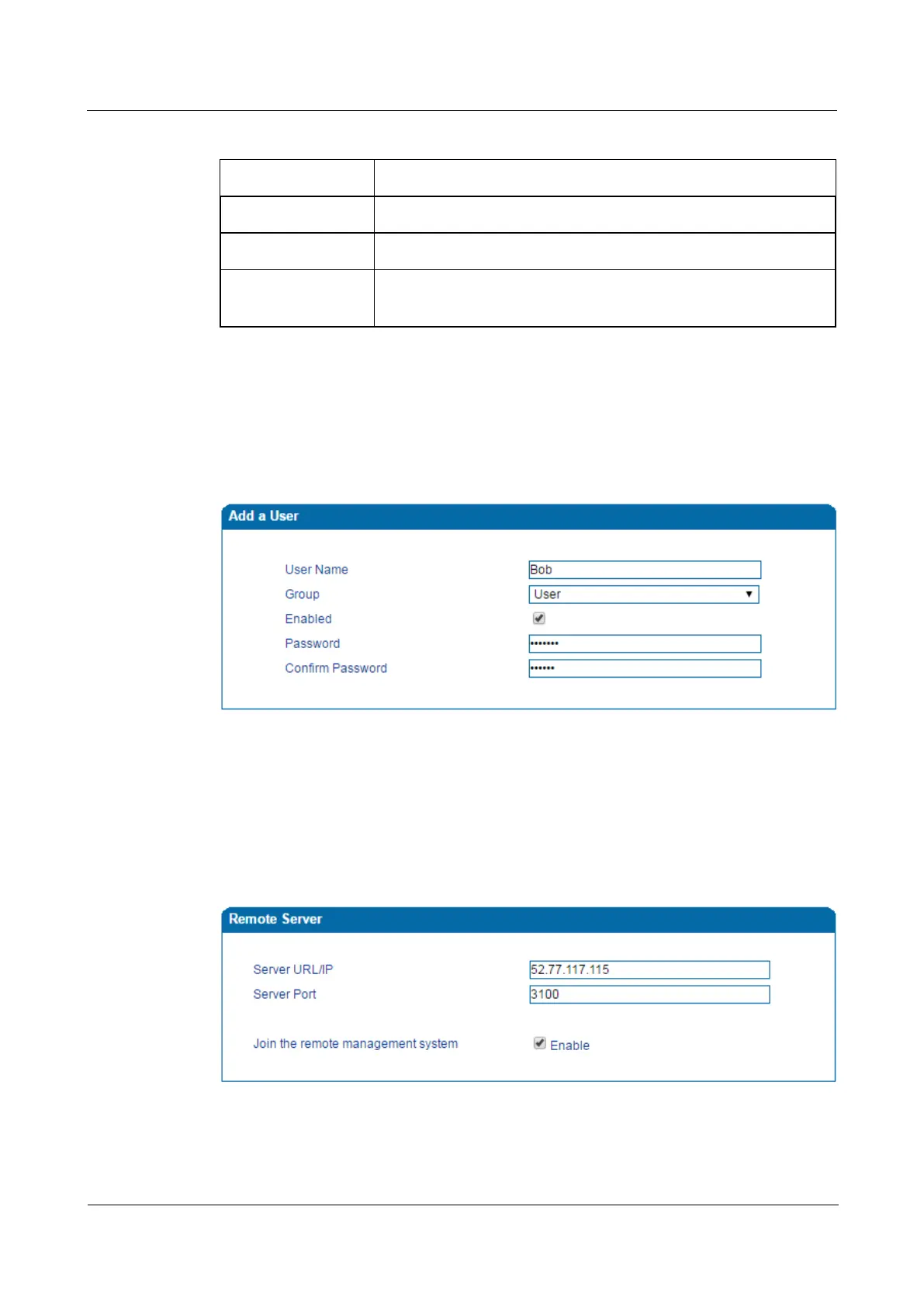
On the Management User Manage page, the administrator of the DAG2000 device can
classify users in different groups, and set login username and password for each user.
Figure 4-35 Modify Username and Password
4.12.7 Remote Server
In case that you need remote technical support, technical support engineers can connect your
device with a service server on the Management
Remote Server page, so as to better help
you to solve problems.
Figure 4-36 Configure Remote Server














 To Next Page