4 Configurations on Web Interface
DAG2000-24/32SUser Manual
Copyright©2011-2020 Dinstar
4.14.7 Network Capture
Network capture is an important diagnostics tool for maintenance. It is used to capture data
packages of the available network ports.
PCM Capture:
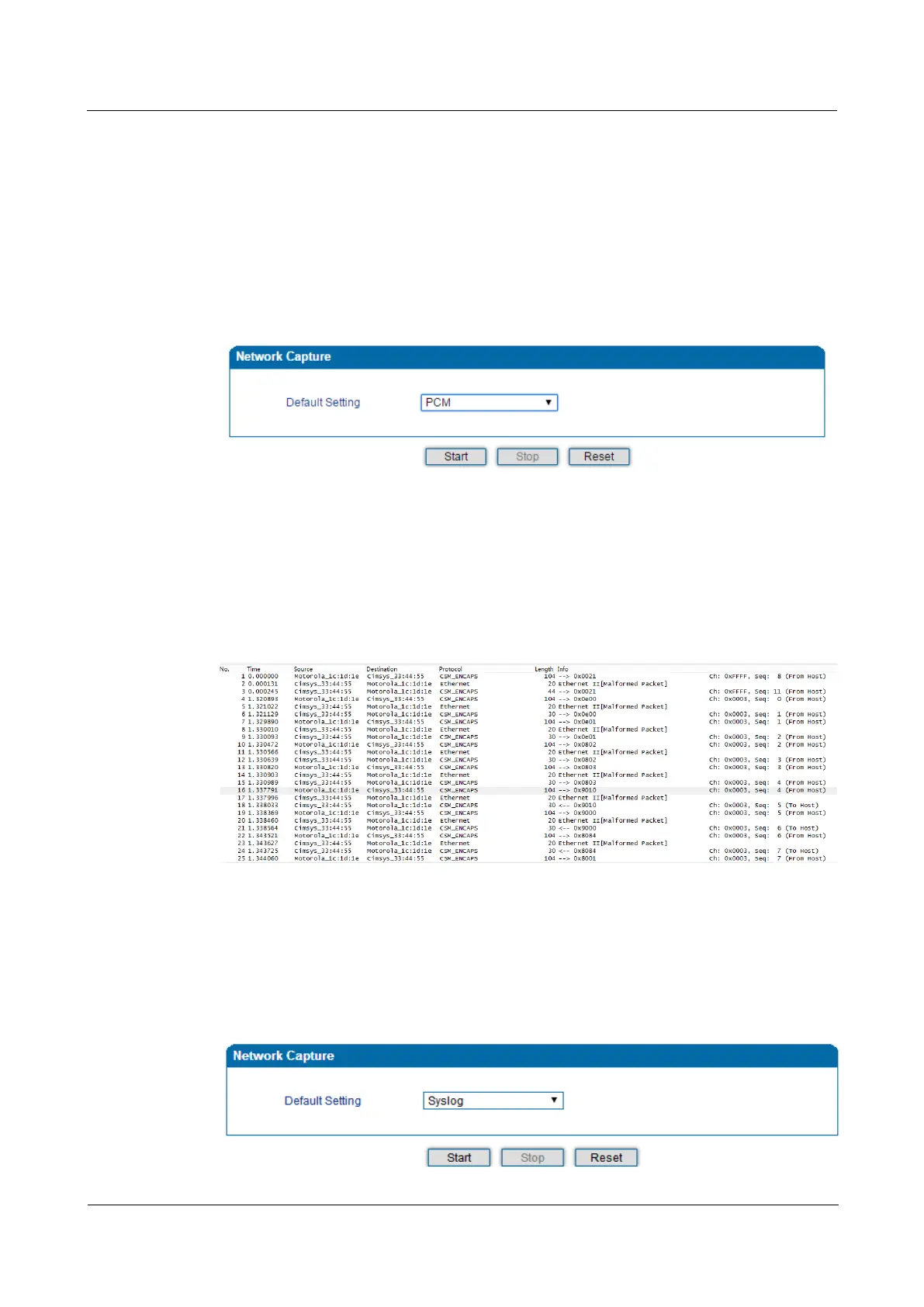
PCM capture helps to analysis voice stream between analog phone and DSP chipset.
Figure 4-48 Capture PCM Packages
Click “Start’ to enable PCM capture
Dialing out through the device, start talking a short while then hang up the call.
Click ‘Stop’ to disable network capture
Save the file to local computer
The captured package is named ‘capture(x).pcap’, among which x is the serial number of the
capturing and will be added 1 in next time. The sample of PCM capture as below:
Syslog Capture:
Syslog capture is another way to obtain syslog which is the same as remote syslog server and
filelog. The captured file is save as pcap format so that it can be opened in some of capturing
software like Wireshark, Ethereal software etc.
Figure 4-49 Capture Syslog Packages














 To Next Page