4 Configurations on Web Interface
DAG2000-24/32SUser Manual
Copyright©2011-2020 Dinstar
Click “Start’ to enable syslog capture
Dialing out through the device, start talking a short while then hang up the call.
Click ‘Stop’ to disable syslog capture
Save the capture to local computer
The capture package is named ‘capture(x).pcap’, amont which x is the serial number of capturing
and will be added 1 in next time. The sample of syslog capture as below:
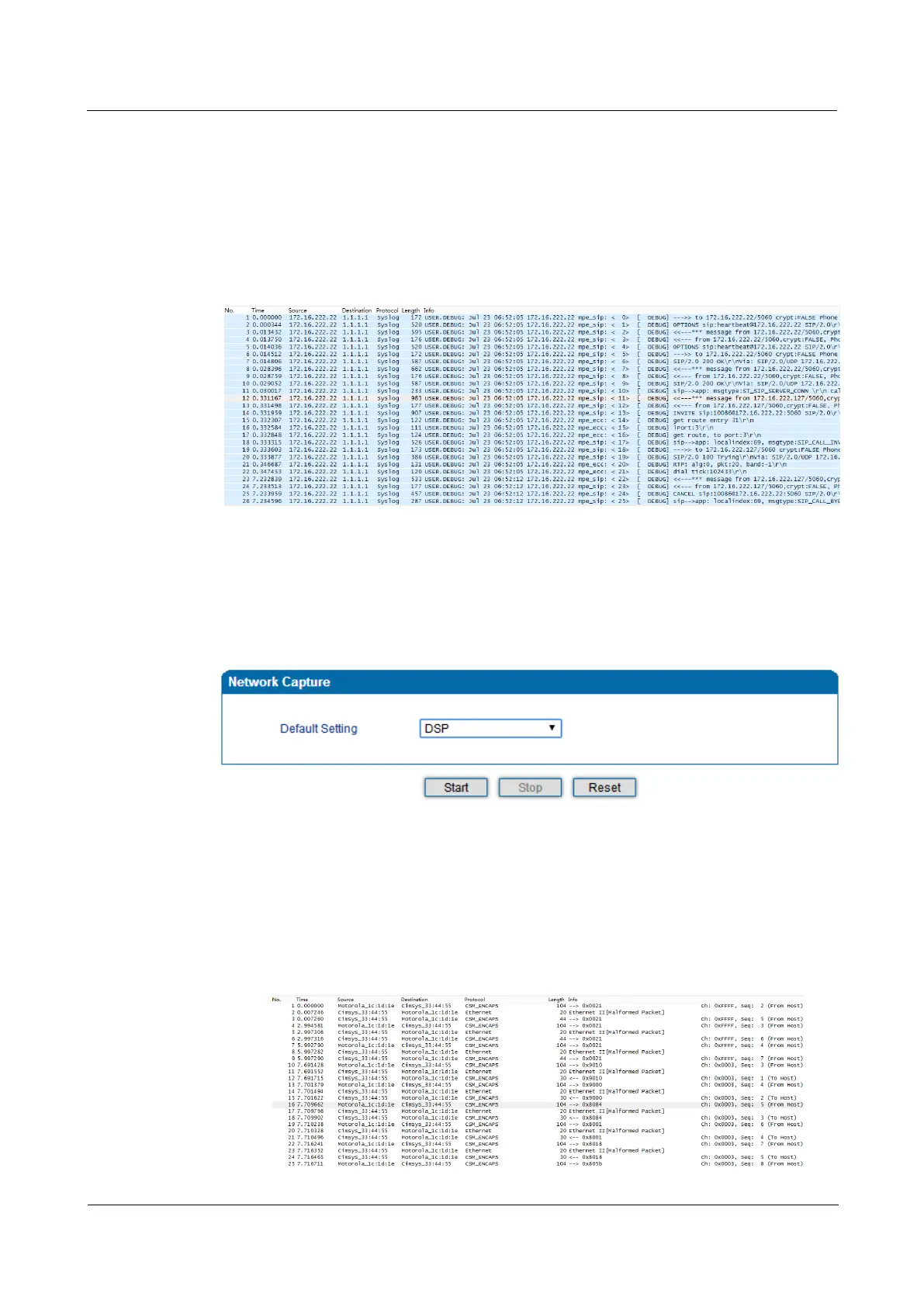
DSP Capture:
DSP capture helps to analyze voice stream inside DSP chipset. The DSP chipset will handle RTP
from IP network as well as voice stream from analog phone.
Figure 4-50 Capture DSP Packages
Click Start to enable DSP capture
Dialing out through the device, start talking a short while then hang up the call.
Click Stop to disable DSP capture
Save the capture to local computer
The captured package is named ‘capture(x).pcap’, amont which x is the serial number of the
capturing and will be added 1 in next time. The sample of RTP capture as below:














 To Next Page