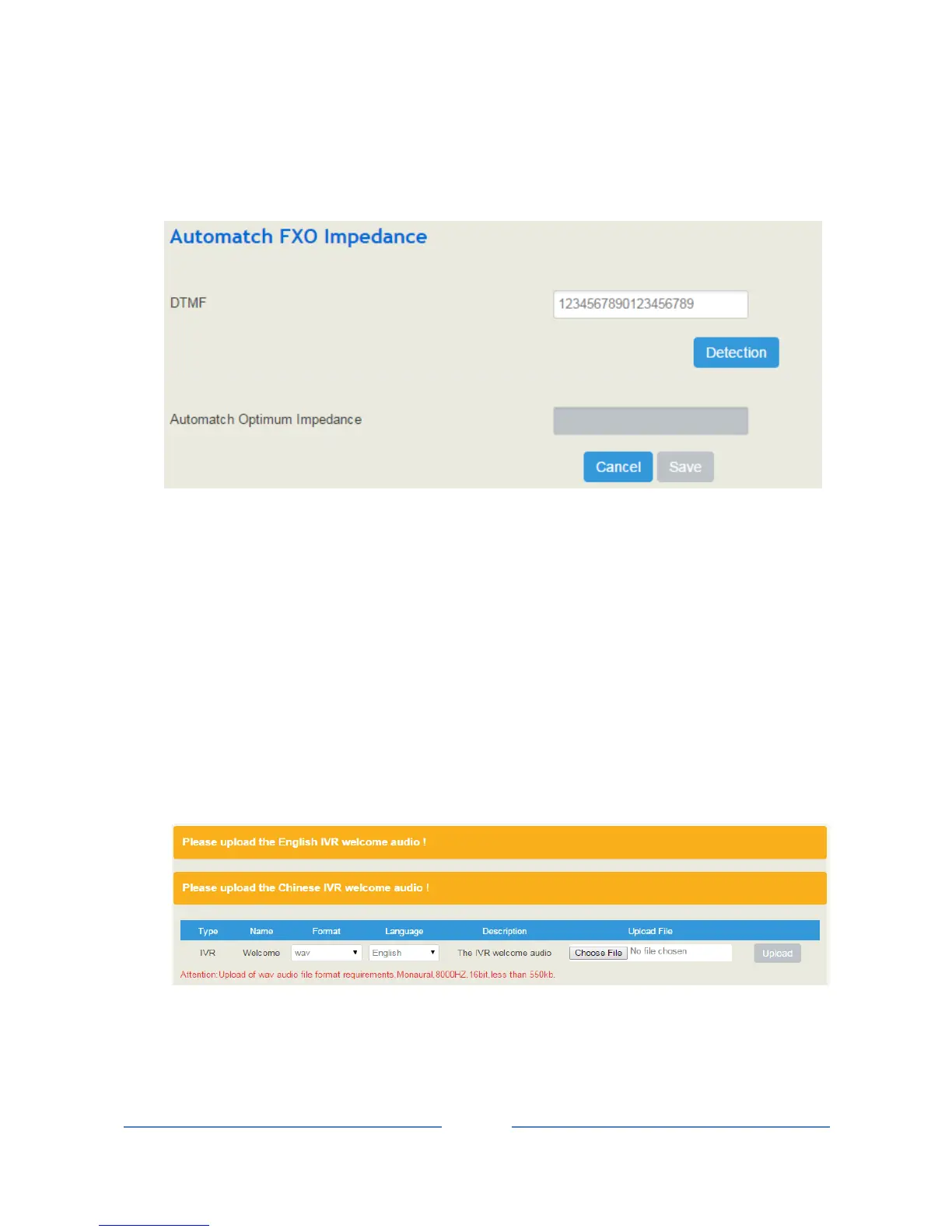
4.4.7 Automatch Impedance
Automatch impedance is used to improve the interoperability of the FXO port with other devices.
How to use automatch impedance:
1. Connect a telephone cable to the FXO port;
2. Click Detection, and the UC100 device will automatically detect the optimum impedance (It takes a
period of time to carry out the detection).
3. Save the optimum impedance.
Note: You can enter any digits for DTMF number; the default DTMF number 1234567890123456789.
4.4.8 Voice
On the System Voice interface, you can upload an English IVR file or a Chinese IVR file according to
your needs. At present, only those IVR files in wav format are allowed.
Note:
An IVR file has yet to be uploaded in the above figure;
The format of the wav audio file must be: monaural, 8000hz, 16bit, play time of less than 30s, and size of
no more than 1M bytes;














 To Next Page