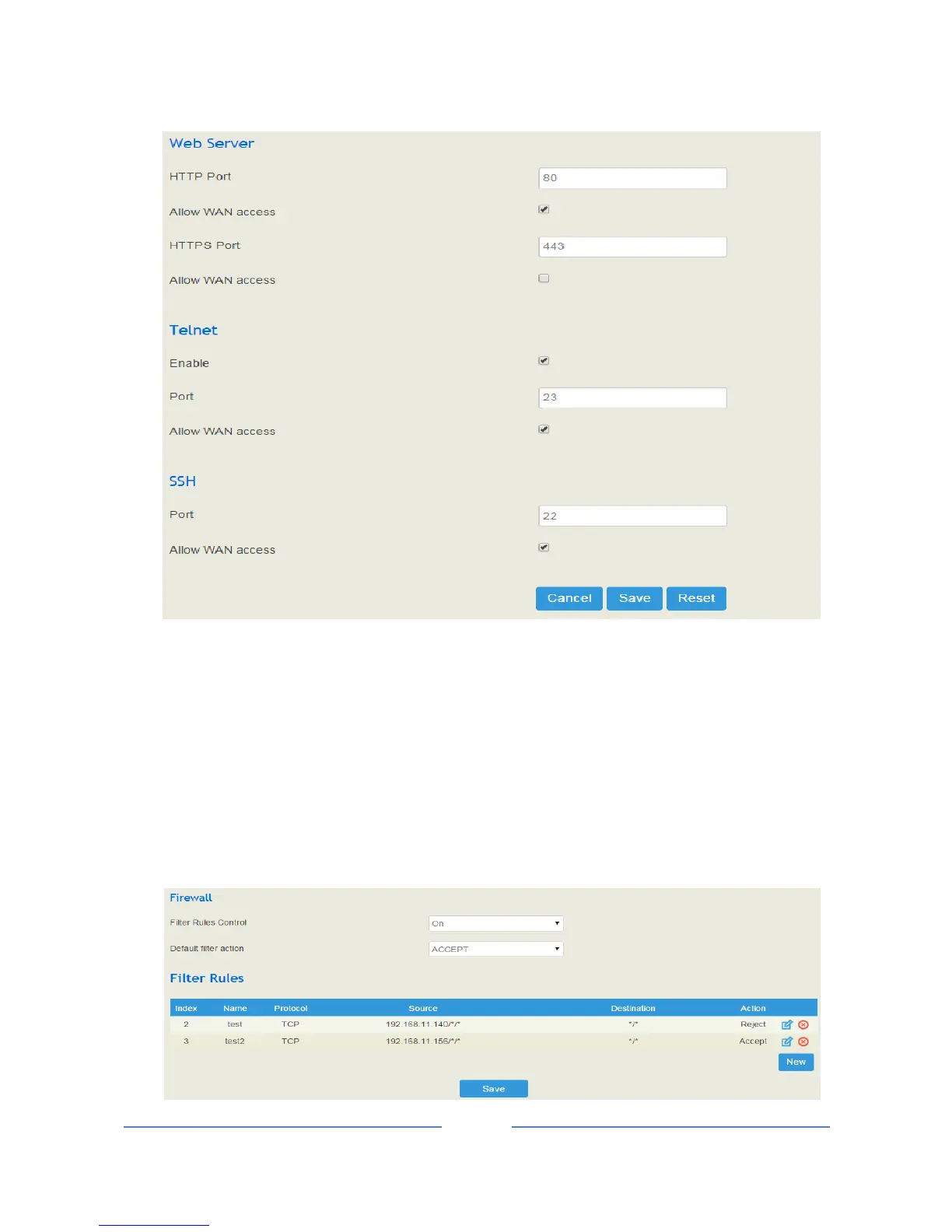
4.5.3 Firewall
If the UC100 works under the route mode, you can choose to enable the firewall and set filter rules to accept
or reject certain destination IP addresses.
Configuration Procedures:
1. Select On in the drop-down box on the right of Filter Rules Control
2. Select filter action, accept or reject;
3. Click the New button.














 To Next Page