Copyright @ 2011-2015 Dinstar
: Edit codec profile.
: Delete the corresponding codec profile or a codec mode.
4.6.4 Number
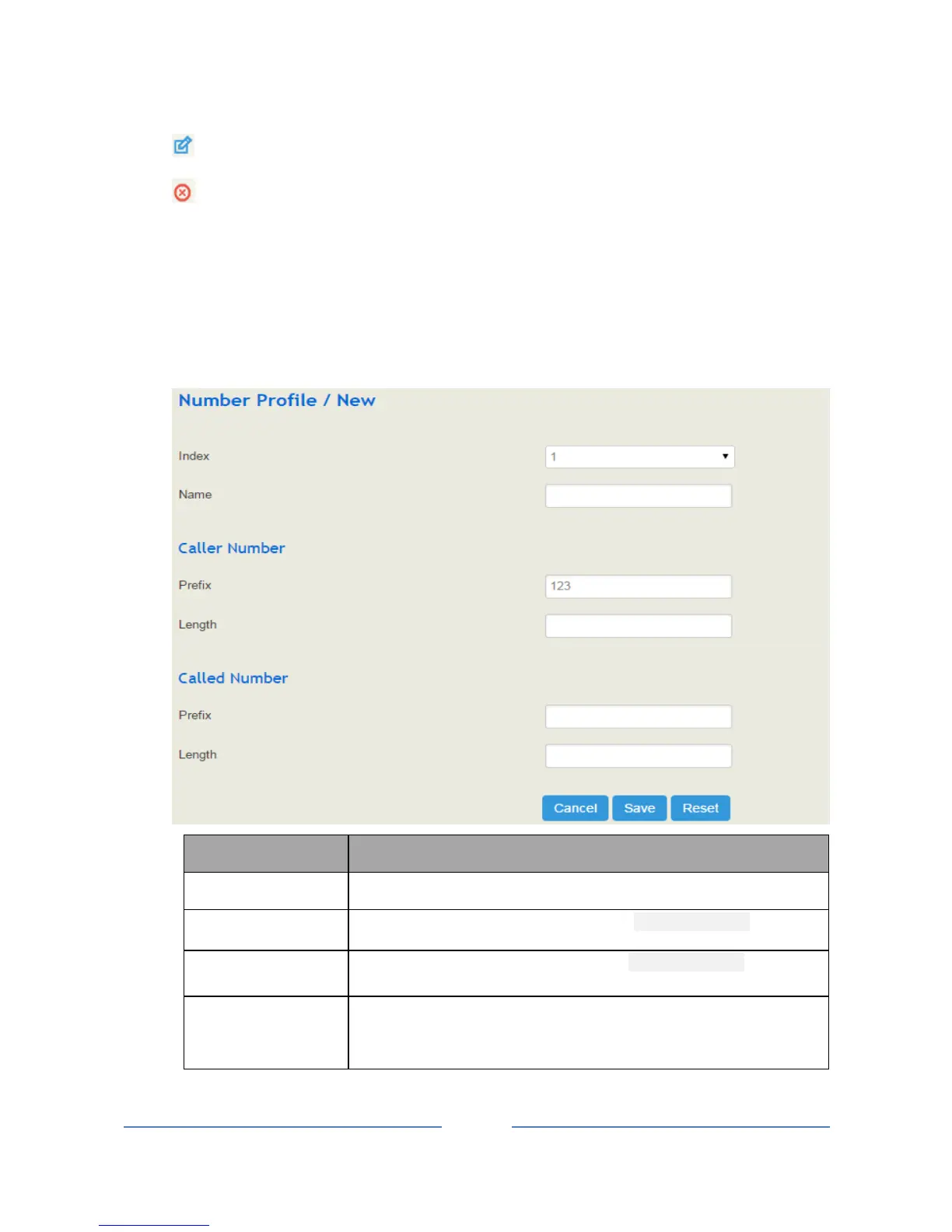
On the Profile Number interface, you can set a prefix for calling numbers or called numbers. When the
prefix of a calling number or a called number matches the set prefix, the call will be passed to choose a route.
Click the New button, and you will see the following interface:
The name of the number profile
The prefix of the calling number. It supports regular expression.
The prefix of the called number. It supports regular expression.
The length of the calling number or called number. For example, :4|6|7
means the calling number or called number must be 4 digits, 6 digits or 7
digits except the prefix.














 To Next Page