Copyright @ 2011-2015 Dinstar
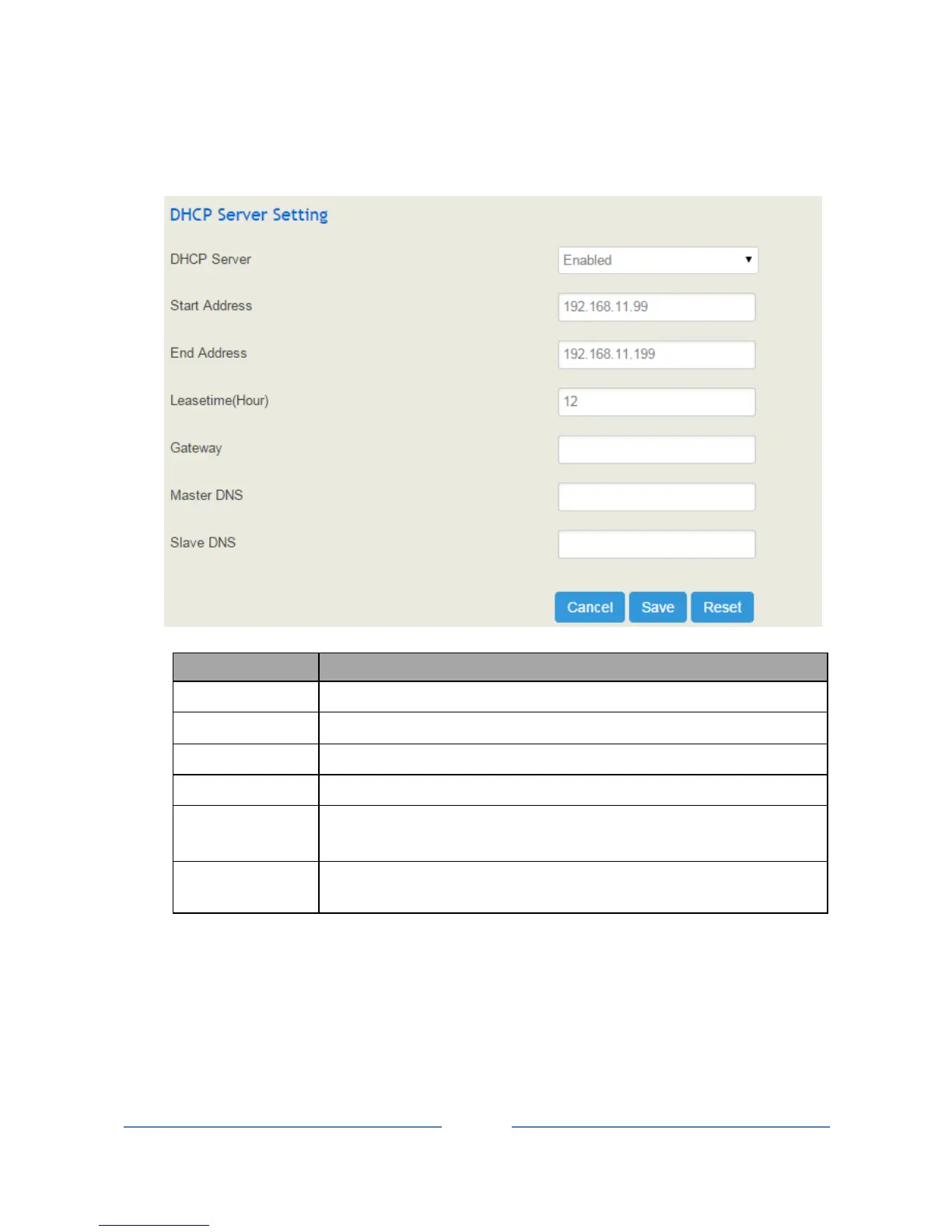
4.5.4 DHCP Server Setting
If there is a need, you can choose to enable the built-in DHCP server of UC100 to assign IP addresses to PC
or other clients that are in the same local-area network with UC100.
The start IP address to be assigned
The end IP address to be assigned
The IP address of UC100; it is optional to fill in
The master DNS of the client whose IP address is assigned by the built-in DHCP
server of UC100; it is optional to fill in
The master DNS of the client whose IP address is assigned by the built-in DHCP
server of UC100; it is optional to fill in
4.5.5 Client List
On the Network Client List interface, information of the client devices whose IP addresses are assigned
by the built-in DHCP server of UC100 is displayed.














 To Next Page