Copyright @ 2011-2015 Dinstar
Note:
: Edit information for the corresponding filter rule.
: Delete the corresponding filter rule.
/*: Information of Source or Destination is not completely filled in.
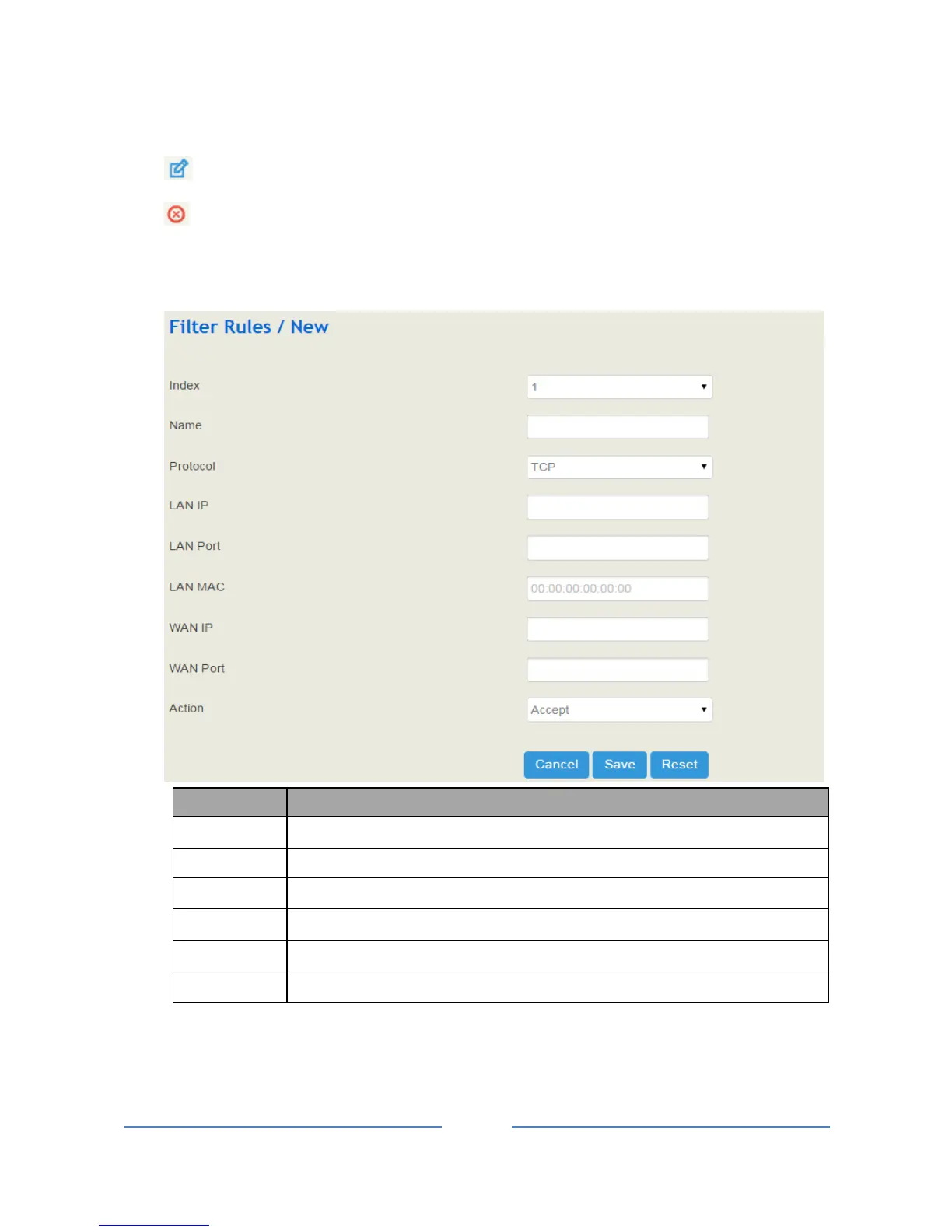
4. Fill in relevant information in the following interface.
The IP address of LAN port that you want UC100 to accept or reject
The LAN port which the accepted or rejected IP address belongs to
The Mac of the LAN port that is accepted or rejected
The IP address of WAN port that you want UC100 to accept or reject
The WAN port which the accepted or rejected IP address belongs to
5. Click the Save button.














 To Next Page