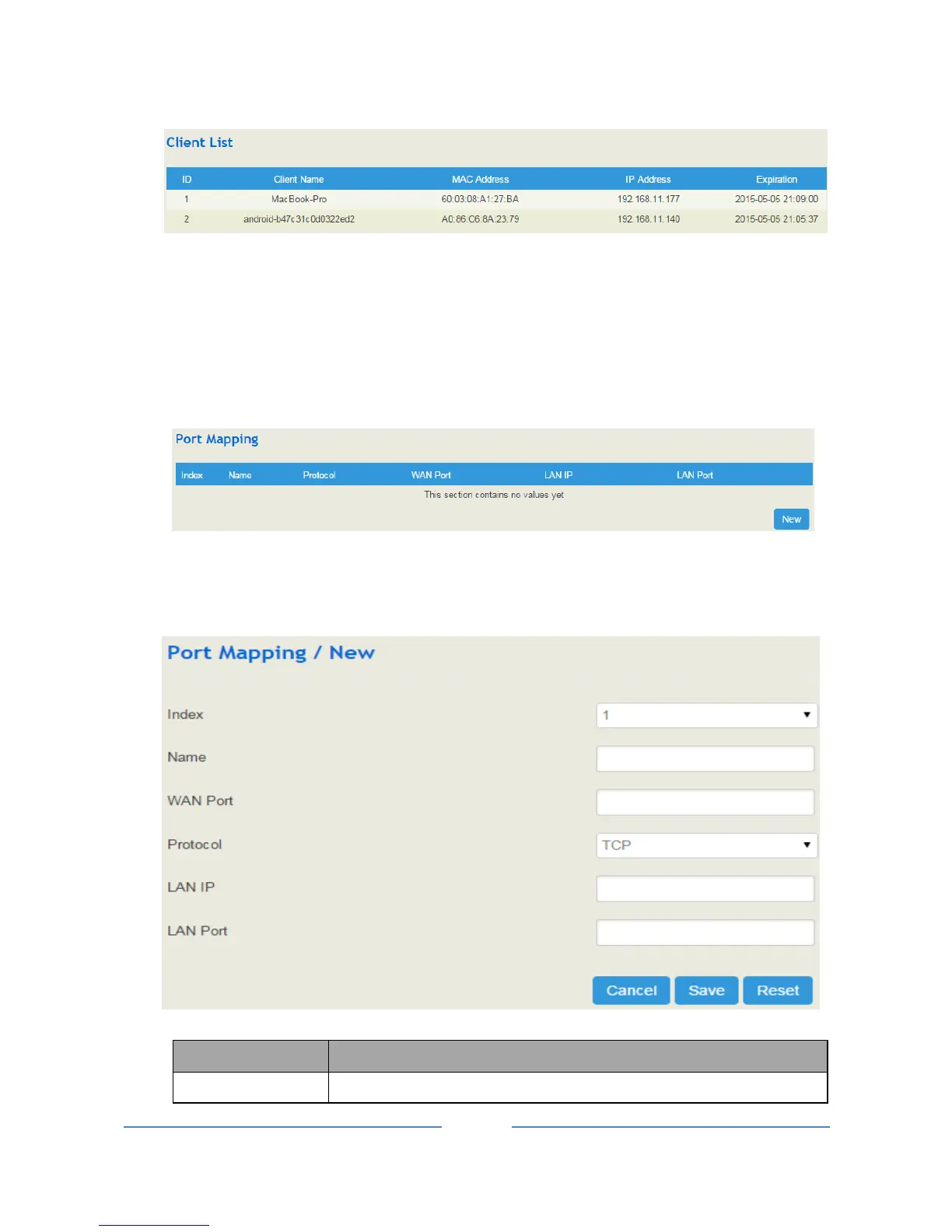
4.5.6 Port Mapping
IF the UC100 works under the route mode, port mapping allows a client in the wide-area network to visit a
client in the local-area network.
Configuration Procedures:
1. Click Network Port Mapping, and the following interface will be shown.
2. Click the New button.
3. Fill in information on the following interface.














 To Next Page