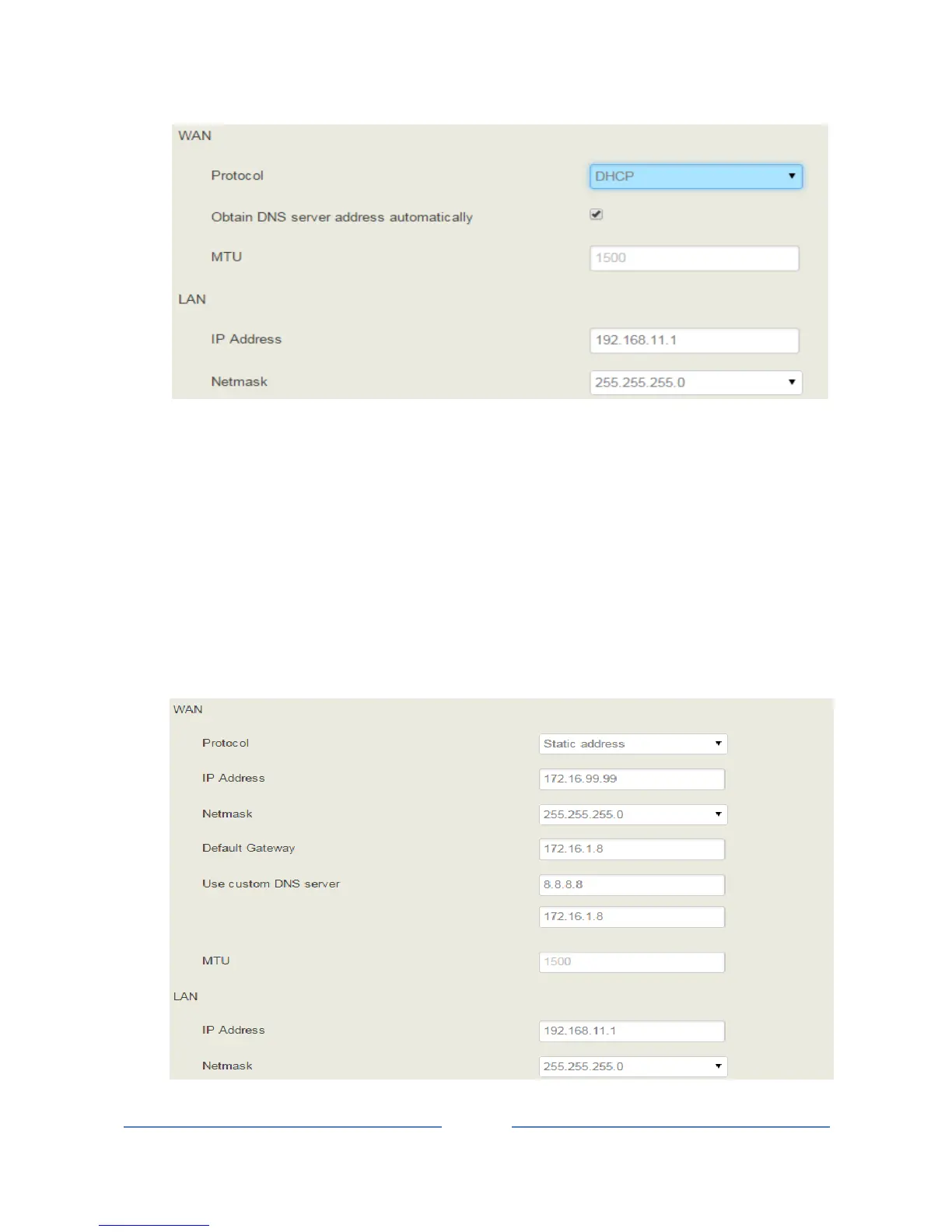
Static IP Address:
Static IP address is a semi-permanent IP address and remains associated with a single computer over an
extended period of time. This differs from a dynamic IP address, which is assigned ad hoc at the start of
each session, normally changing from one session to the next.
If you choose static IP address, you need to fill in the following information:
IP Address: the IP address of the WAN port of the UC100 ;
Netmask: the netmask of the router connected the UC100;
Default Gateway: the IP address of the router connected the UC100;
Use custom DNS server: the IP address of the DNS server














 To Next Page