ICS-1000 Ion Chromatography System
B-18 Doc. 031879-01 3/03
4. Click OK. A configuration properties dialog box for the device
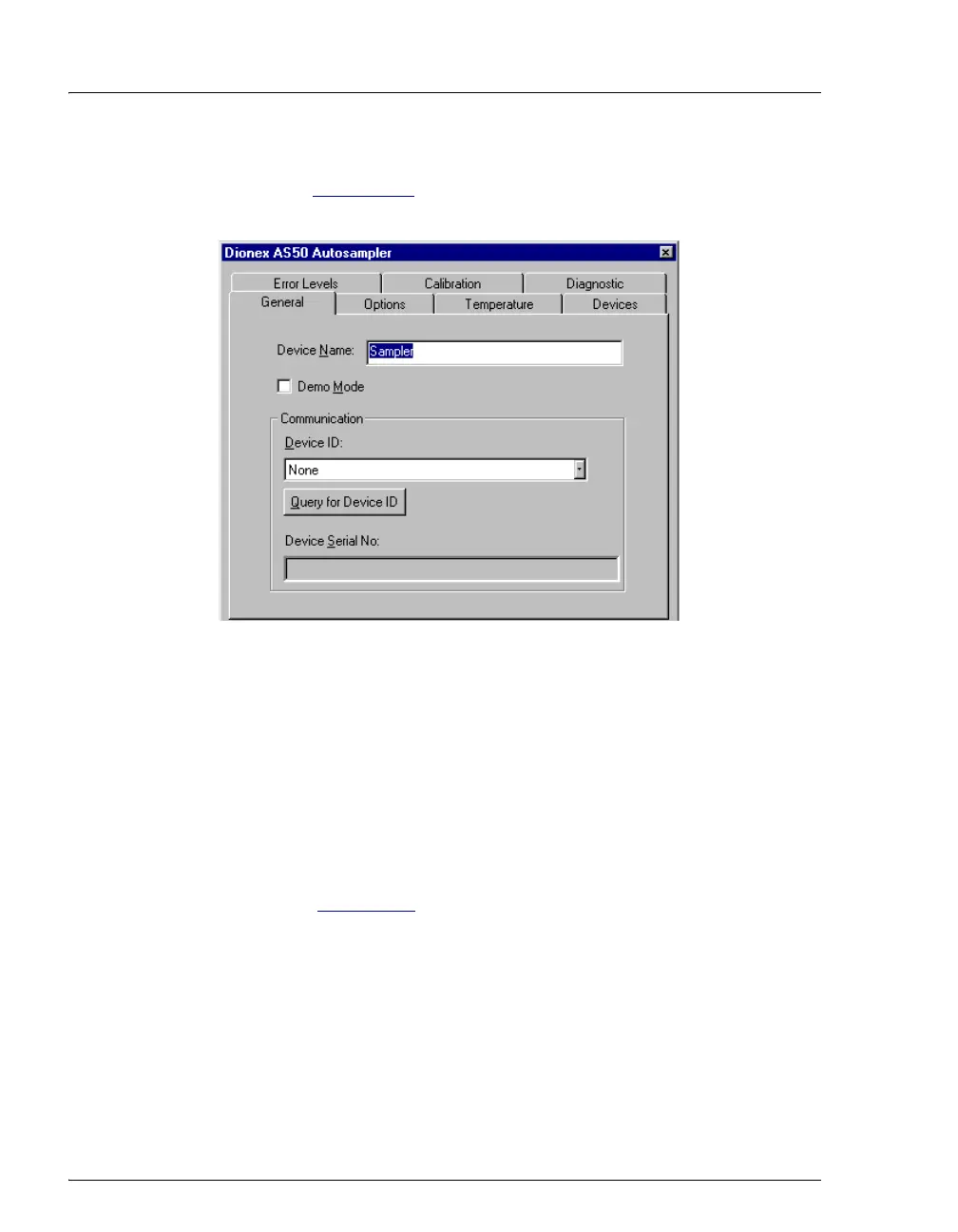
appears. Figure B-16
shows an example of the properties for an AS50
Autosampler.
Figure B-16. AS50 Configuration Properties
5. On the General tab page, clear the Demo Mode check box if it is
currently selected, and then select the DX-LAN Device ID number.
Note: Devices display their DX-LAN ID numbers when their power
is turned on.
6. Click OK to close the dialog box.
7. Save the configuration (select File>Save Installation).
8. Exit the Server Configuration program.
9. Go on to Section B.9



 To Next Page