Operating Instructions RF-2000
39
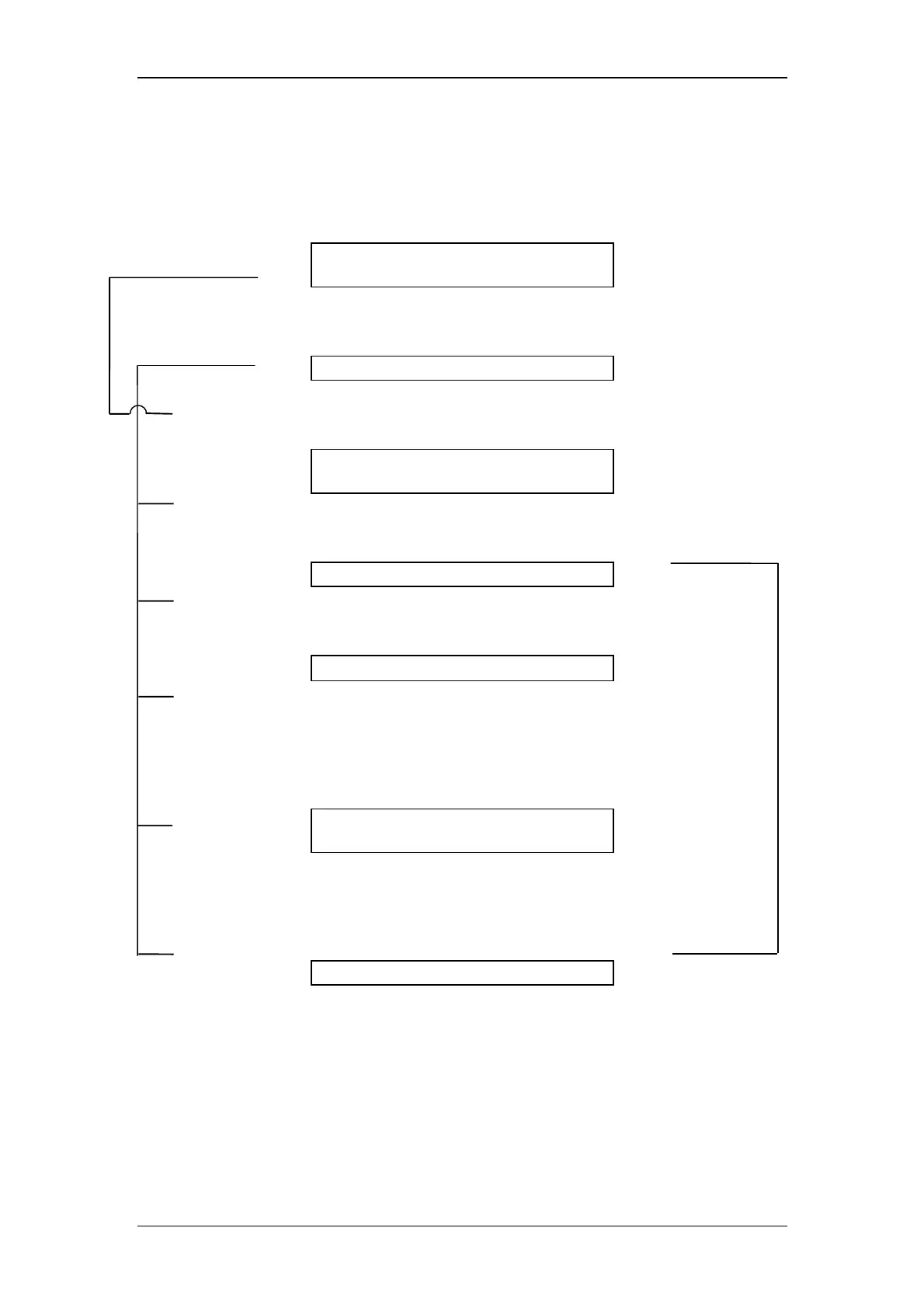
5.4.3 Flow of setting
Flow in setting a time program is shown below:
EX(nm) EM(nm) Data
<<350>> 400
1000.00
Press shift + edit.
EX(nm) EM(nm) Data
0 USED 32 LEFT
Press Enter.
EX(nm) EM(nm) Data
<<TIME>> FUNC
VALUE
Enter with numerical keys.
EX(nm) EM(nm) Data
<<10.00>>
Press Enter.
EX(nm) EM(nm) Data
10.00 <<EX λ
λλ
λ>>
At each pressing of func, commands are displayed
sequentially. Press Enter while the desired set value is
displayed selected (with numerical keys) and press
Enter.
EX(nm) EM(nm) Data
10.00 RANG
<<VALUE>>
When any command other than ZERO, MARK, and
STOP is selected, enter a desired set value (with
numerical keys) and press Enter.
EX(nm) EM(nm) Data
<<10.00>> RANG 1
Enter a time for the next command.
CE
CE
CE
CE
CE
CE



 To Next Page