17
Login to SMARTBOX
1. Open a web browser. Firefox
®
, Chrome™ and Safari
®
are recommended.
2. Enter 10.100.200.10 in the URL.
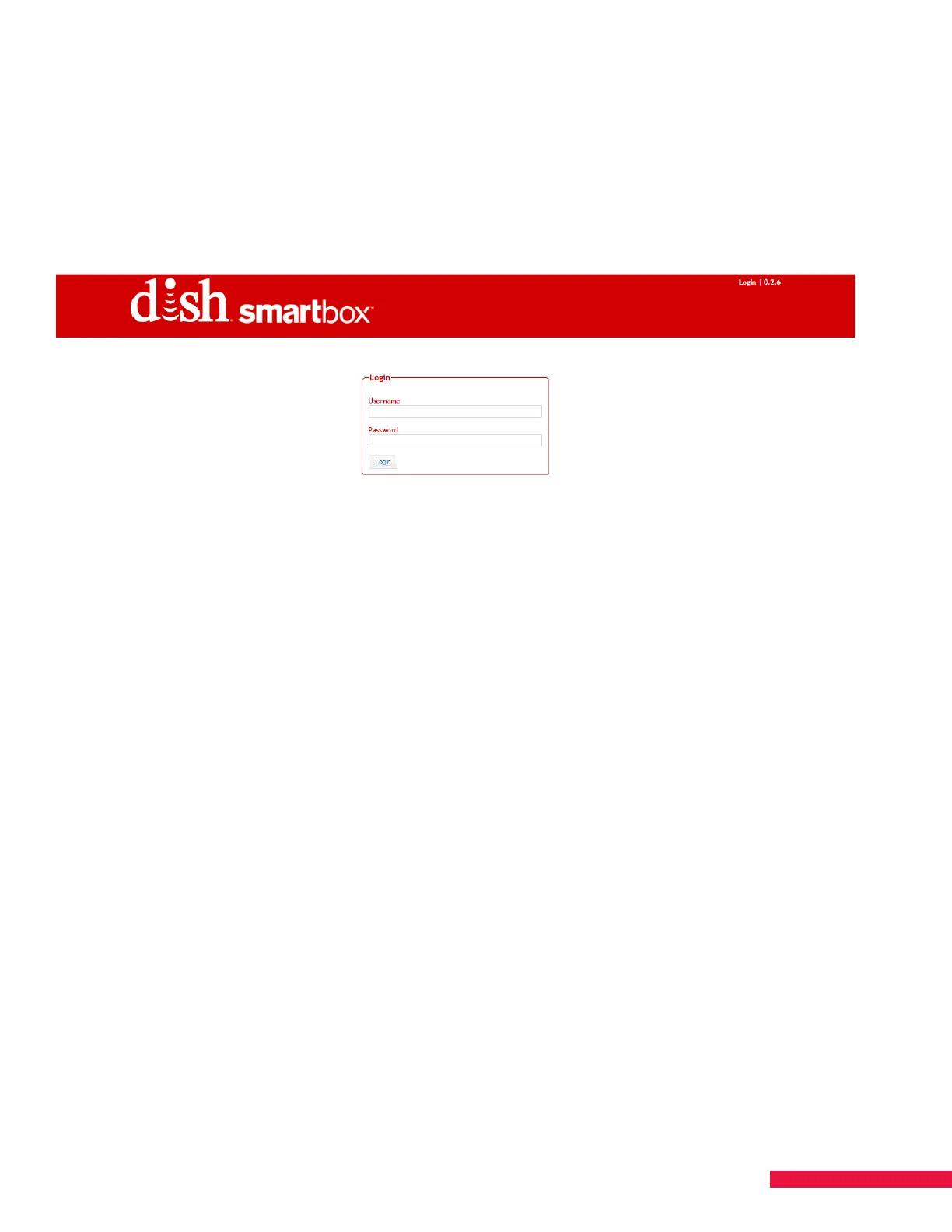
The DISH SMARTBOX Login Screen should appear (See Figure 7.). If it does not, verify that the IP address was
correctly entered in the previous steps for the URL and Network Configuration.
Figure 7. Login Screen
NOTE: By default, each SMARTBOX is configured with the IP address and settings:
IP Address = 10.100.200.10
Subnet Mask = 255.255.255.0
Default Gateway = 10.100.200.1
DHCP client = Disabled
If you change the default address for SMARTBOX, be sure to document the new address for future access.
3. Enter the default username and password:
Username = username
Password = password
4. Click Login.
The version of software that SMARTBOX is running is visible in the top right corner.


 To Next Page